Rekordbox Android: Is There an App and What It Does With Your DJ Library
Rekordbox Android: yes, there is an app for Android 13 to 16. See what it does, where it stops, and how to open your own DJ library on an Android phone.

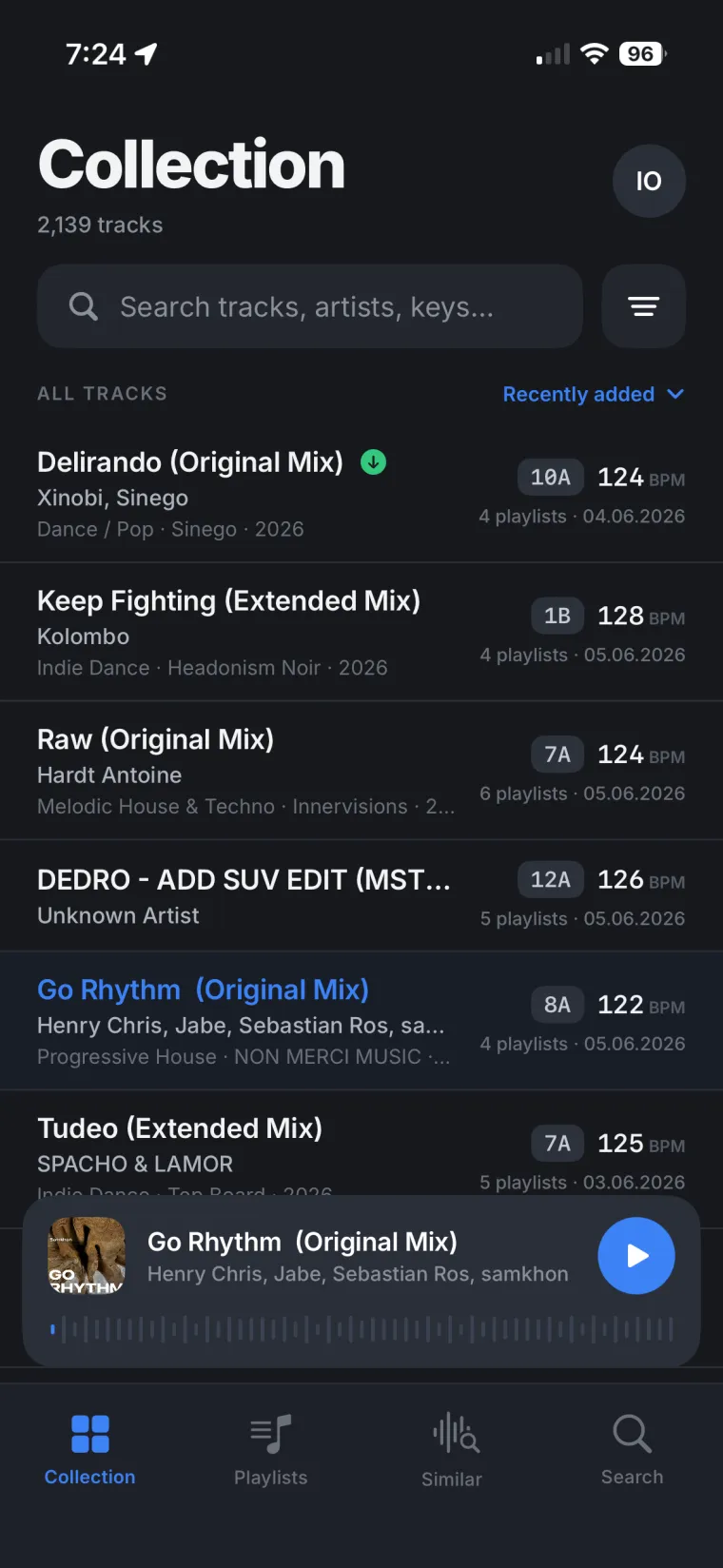
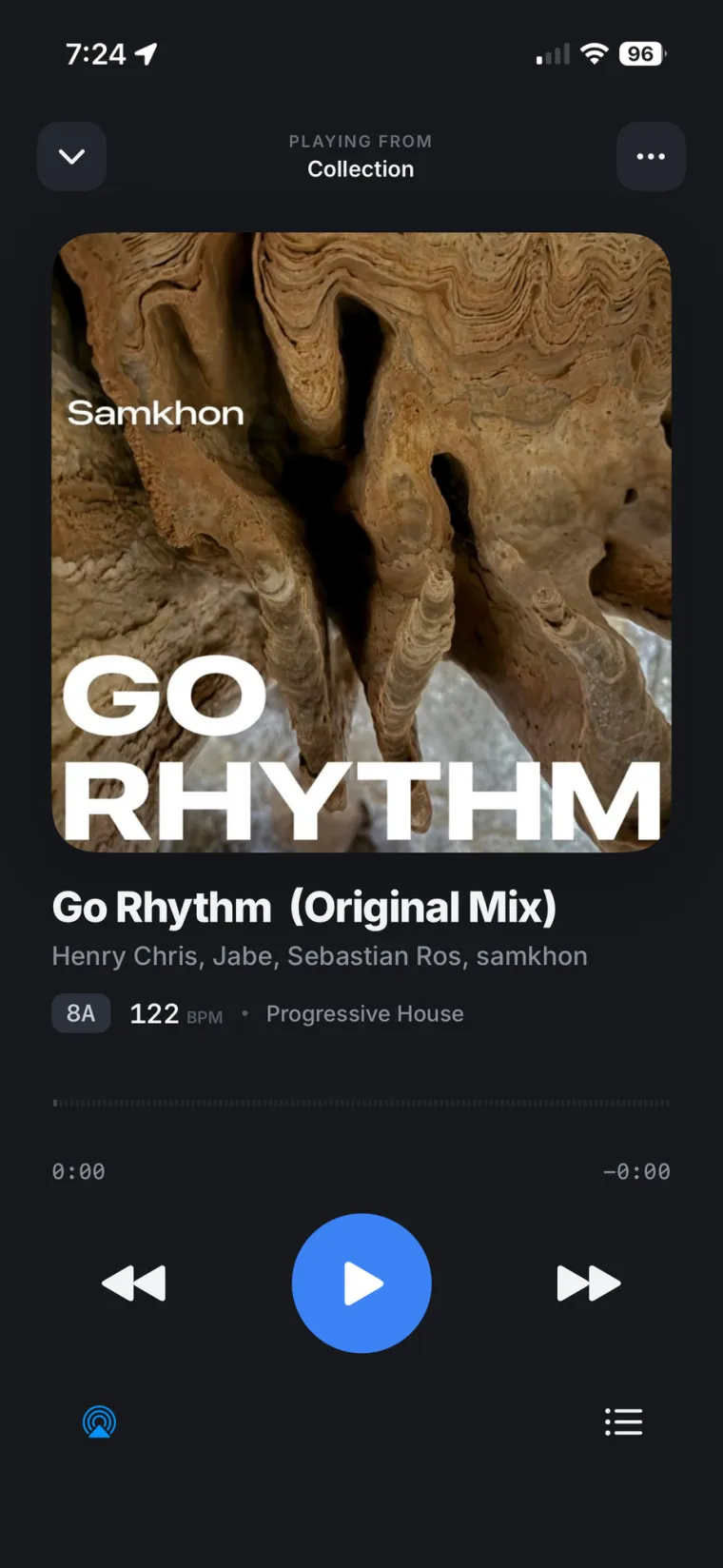
Yes, there is a Rekordbox app for Android. AlphaTheta lists it on the same page as the iPhone app, "rekordbox for iOS/Android", and it runs on Android OS 13, 14, 15 and 16. It is a DJ app first: you can play, blend and make playlists on your phone. It is not a window onto your whole Rekordbox library on your computer.

Want your DJ library on your phone?
Rimeo streams your whole Rekordbox DJ library from your own computer to your iPhone or any browser. Nothing gets uploaded.
If what you want is to hear and browse your own DJ library on an Android phone, there is a simple route. Rimeo has no Android app, but its web player runs in your Android browser and streams your DJ library from your own computer. Below: what the official app does, where it stops, and how the browser route works.
Is there a Rekordbox app for Android?
The Rekordbox mobile page lists these system requirements: iOS 26, 18 and 17, iPadOS 26, 18 and 17, and Android OS 16, 15, 14 and 13. The page also adds a warning: operation on all Android devices is not guaranteed, because devices differ by maker and model and the OS may be customised.
So the app exists, but check your phone model and Android version before you count on it. The app is free to download and has a free Lite mode.
Your DJ library in your Android browser
Rimeo streams your Rekordbox DJ library from your own computer to the browser on your Android phone: playlists, BPM and key, with nothing uploaded. Open a track's menu in the browser and Similar Tracks shows picks from your own DJ library.
What does Rekordbox for Android do?
According to the official page, the mobile app gives you:
- DJ performance on a phone or tablet, with a vertical or horizontal Lite mode;
- effects, blending and quick playlist creation;
- streaming services such as Apple Music, Beatport, SoundCloud, Tidal and Spotify Premium, with support that varies by territory;
- a connection to a compatible DJ controller, and to a compatible CDJ or XDJ so you can play tracks from the phone in your set;
- Cloud Library Sync, to sync a cloud-based library between your Mac or Windows computer and your mobile devices.
An in-app subscription adds more: extra effects, customisable pads, no ads and similar extras. The controller models that AlphaTheta names (DDJ-FLX2, DDJ-GRV6, DDJ-FLX4, DDJ-200) are listed without a platform, so check the support pages for your exact phone and controller.
Can you get your Rekordbox library on an Android phone?
There are two official ways. Library Sync comes in two types, Mobile Library Sync and Cloud Library Sync, and AlphaTheta says it works between "rekordbox for iOS/Android (ver. 3 or later)" and "rekordbox for Mac/Windows (ver. 6 or later)". The step-by-step instructions on the FAQ page are written for iOS, so expect small differences in the menus on Android.
Mobile Library Sync
Mobile Library Sync moves tracks you pick between your computer and your phone over the same Wi-Fi network. It copies files, so you choose what goes on the phone. We cover the details in Rekordbox Mobile Library Sync.
Cloud Library Sync
Cloud Library Sync keeps your library in Dropbox or Google Drive, so your tracks are uploaded. As of November 2026, the Free and Core plans can upload and sync up to 20 tracks. Creative syncs the entire library, Professional adds automatic upload of up to 5 TB of files, and the Cloud Option adds up to 1 TB. For prices see Rekordbox Cloud Library Sync price.
What are the limits of the Android app?
- Device differences. AlphaTheta says Android devices may differ in configuration, and operation is not guaranteed on all of them.
- File formats. In the FAQ about playable audio formats, AlphaTheta notes that AAC, ALAC, AIFF and FLAC tracks may not be displayed on the import screen depending on the Android device. If your DJ library is mostly WAV, AIFF or FLAC, test a few files first.
- Not your whole library. The app works with tracks you transfer or sync, not with a live view of the whole library on your computer.
The same split is true on iPhone, and we explain it in Rekordbox iPhone app: what it can and can't do.
How do you listen to your whole Rekordbox library on Android?
Use a browser. The Rimeo agent runs on the Mac or Windows computer that holds your Rekordbox library. You sign in to the Rimeo web player in the browser on your Android phone and see the same playlists, folders, BPM and key as in Rekordbox. Audio streams from your own computer and nothing is uploaded to a cloud. At home it works over Wi-Fi, and away from home through an encrypted tunnel.
Two limits to know. The computer must be on while you stream. And offline downloads exist only in the Rimeo iPhone app, so the Android browser player has no offline mode. Rimeo also does not read cue points. For the full picture of every option, read Rekordbox library on phone: 4 real ways to do it.
What can you do with it from an Android phone?
- Browse playlists and folders and check BPM and key without opening your laptop.
- Play any track from your DJ library while your computer is on.
- Build a playlist for your next set and send it into Rekordbox with Sync to Rekordbox. You start it from the phone browser. It runs on an Apple Silicon Mac or a Windows PC, with Rekordbox closed, and Rimeo backs up your Rekordbox database before each write.
Away from home, see how to access your Rekordbox library from any browser.
Which Android route should you pick?
Pick the Rekordbox app if you want to DJ on your phone, or to carry a small set of tracks with Mobile Library Sync. Pick the browser route if you want your whole DJ library, with your own playlists and no copies to manage. Many DJs use both: the app to play, the browser to dig.
Build the playlist on your phone
Rimeo opens your Rekordbox DJ library in your Android browser, so you can pick tracks anywhere. Then Sync to Rekordbox writes the playlist into Rekordbox with the same name, folder and order.
FAQ
Is there a Rekordbox app for Android?
Yes. AlphaTheta's mobile page is titled rekordbox for iOS/Android and lists Android OS 16, 15, 14 and 13. It also warns that operation on all Android devices is not guaranteed.
Is Rekordbox for Android free?
The app is free to download, and AlphaTheta says Lite mode is available for free. An in-app subscription adds extras such as more effects, customisable pads and an ad-free experience.
Can I see my whole Rekordbox library on an Android phone?
Not with the official app, which works with tracks you sync or transfer. Rimeo has no Android app, but its web player opens your whole Rekordbox DJ library in the Android browser, streamed from your own computer while it is on.
Does Rekordbox Library Sync work with Android?
AlphaTheta says Library Sync works between rekordbox for iOS/Android (ver. 3 or later) and rekordbox for Mac/Windows (ver. 6 or later). The FAQ steps are written for iOS.
Can I play FLAC or AIFF in Rekordbox for Android?
AlphaTheta notes that AAC, ALAC, AIFF and FLAC tracks may not be displayed on the import screen depending on the Android device, so test a few files first.