Rekordbox Mobile Library Sync: How It Works and Where It Stops
Rekordbox Mobile Library Sync moves tracks and playlists between your computer and phone over Wi-Fi, for free. Here is how it works and its limits.

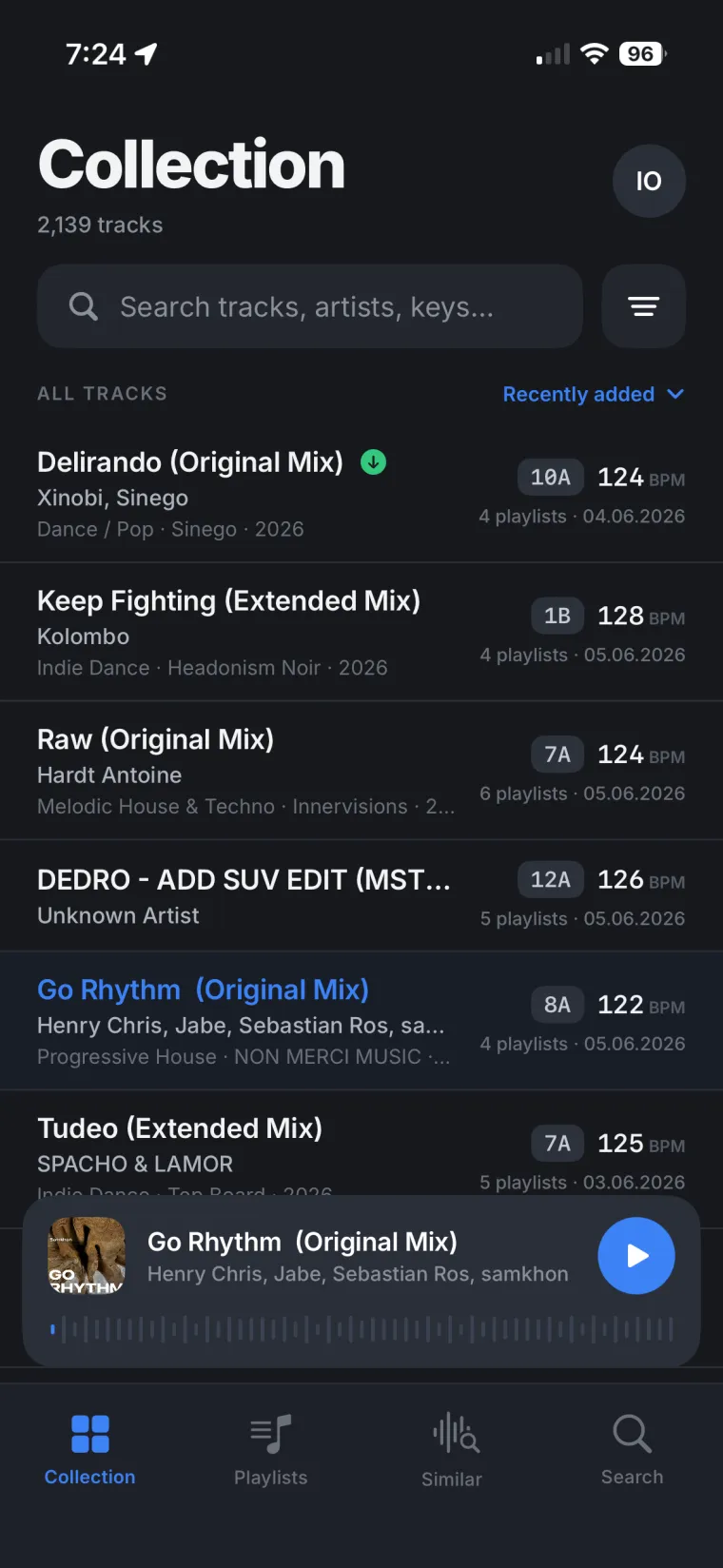
Rekordbox Mobile Library Sync lets rekordbox for Mac or Windows and rekordbox for iOS or Android swap tracks, playlists and cue points over Wi-Fi, for free. Connect both devices to the same network and sign in with the same AlphaTheta account on both, and anything you change on your phone lands back in your rekordbox library on the computer. It needs rekordbox 6 or later on the computer and rekordbox 3 or later on the phone, and no subscription plan.

Want your DJ library on your phone?
Rimeo streams your whole Rekordbox DJ library from your own computer to your iPhone or any browser. Nothing gets uploaded.
How rekordbox Mobile Library Sync works
Mobile Library Sync moves files directly between your computer and your phone, with no cloud account in between. The steps are the same on iOS and Android:
- Open rekordbox on the computer and rekordbox on the phone, and sign in with the same AlphaTheta account on both.
- Connect both devices to the same Wi-Fi network.
- On the phone, tap "Connect to rekordbox (Mac/Win)".
- On the computer, click "SEARCH MOBILE" to find the phone.
- Right-click a track or playlist and choose "Mobile Library Sync", then "Transfer to the mobile device" (or the other way, "Transfer to this computer").
Once the transfer is done, the two libraries stay in step as long as they share a network. Edit a cue point or rebuild a playlist on the phone, and the change rolls into the rekordbox library on the computer the next time the two reconnect. For the fuller picture of what rekordbox for iOS can and can't do beyond this one feature, see our guide to the rekordbox iPhone app.
Keep playing after the Wi-Fi window closes
Rimeo lets you download the tracks or playlists you need straight to your iPhone while your computer is on. After that they play with no signal at all, computer off, Wi-Fi gone, nothing left to buffer.
What rekordbox Mobile Library Sync doesn't do
Mobile Library Sync only works while both devices are on the same Wi-Fi network at the same time, signed into the same AlphaTheta account. Close the laptop, switch to a different network, or sign in with a different account on the phone, and the sync has nothing to connect to until both devices share one network again. It also moves tracks between the two devices you connect directly, not across every computer you happen to run rekordbox on.
That's the trade for being free and local: no cloud storage to pay for, but no reach past your own Wi-Fi either.
Mobile Library Sync vs Cloud Library Sync
rekordbox actually ships two separate sync features, and it's easy to mix them up. Mobile Library Sync, above, is local, free and limited to your Wi-Fi. Cloud Library Sync is the paid route: it uploads your library to AlphaTheta's cloud, or to a connected Dropbox or Google Drive account, so you can reach it from any network, not just the one your computer is on.
As of October 2026, AlphaTheta's published Cloud Library Sync limits are:
- Free or Core plan: up to 20 tracks, in a Trial playlist only.
- Creative plan: your entire library, with playlists and tracks you pick one by one.
- Professional plan: your entire library, automatic or manual uploads, up to 5TB.
- Cloud Option add-on, on top of Free, Core or Creative: up to 1TB of automatic uploads.
Uploading also brings its own housekeeping. Tracks can sit grayed out until they finish transferring from whichever device they're actually stored on, and duplicate copies can pile up across devices until you clean them out by hand. We go deeper on what that upload really costs, in money and in a second copy of your library, in Rekordbox Cloud Library Sync vs. Rimeo.
Can you sync a rekordbox library without Wi-Fi or away from home?
Not with Mobile Library Sync. It is built around two devices sharing one local network, so once you leave that network, the sync stops until you're back on it. Cloud Library Sync covers the away-from-home case, but it means uploading tracks to AlphaTheta's cloud or a Dropbox and Google Drive folder, and paying for the tier that fits your library.
Rimeo takes a different path. It streams your rekordbox library straight from your own computer to your phone or any browser, over an encrypted connection, with nothing uploaded anywhere, even when you're away from your home network. For more on getting to your library when you're not home, see how to access your rekordbox library from anywhere. Build a playlist on the phone, and Rimeo's Sync to Rekordbox writes it into your real rekordbox library, same name, same folder, same order, ready the next time you open rekordbox at home.
Your rekordbox library, wherever you actually are
The pain behind Mobile Library Sync is real: your tracks, cue points and playlists live on one computer, and you want to reach them from your phone too. AlphaTheta's free option solves that for the hours you're on the same Wi-Fi as that computer. For the rest of the time, on a different network, on the train, at a friend's place, your choice is Cloud Library Sync's upload and subscription, or a straight stream from the machine that already holds everything.
Find your next track from the library you already built
Rimeo's Similar Tracks pulls more matches out of your own DJ library from a track you already like, and Pulse shows which tracks actually make it into your sets and which ones never do. Both work from the same rekordbox library you built over the years.
Sources
FAQ
Is rekordbox Mobile Library Sync free?
Yes. It works with rekordbox 6 or later on the computer and rekordbox 3 or later on iOS or Android, over your own Wi-Fi network, with no subscription plan needed.
What is the difference between Mobile Library Sync and Cloud Library Sync?
Mobile Library Sync is free and local: it moves tracks and playlist changes between your computer and phone over Wi-Fi. Cloud Library Sync uploads your library to AlphaTheta's cloud or to Dropbox and Google Drive, so you can reach it from any network, but a paid plan is needed for anything past a 20-track trial.
Does Mobile Library Sync work away from home or over mobile data?
No. Both devices need to be on the same Wi-Fi network at the same time. Once you leave that network, the sync stops until you reconnect to it.
Why isn't my rekordbox library syncing to my phone?
Check that both devices are signed into the same AlphaTheta account and are on the same Wi-Fi network. If either one is off, the computer and phone won't find each other.
Which rekordbox versions support Mobile Library Sync?
rekordbox 6 or later on Mac or Windows, and rekordbox 3 or later on iOS or Android.