Local-first for Rekordbox DJs

Your Rekordbox library. On every device.

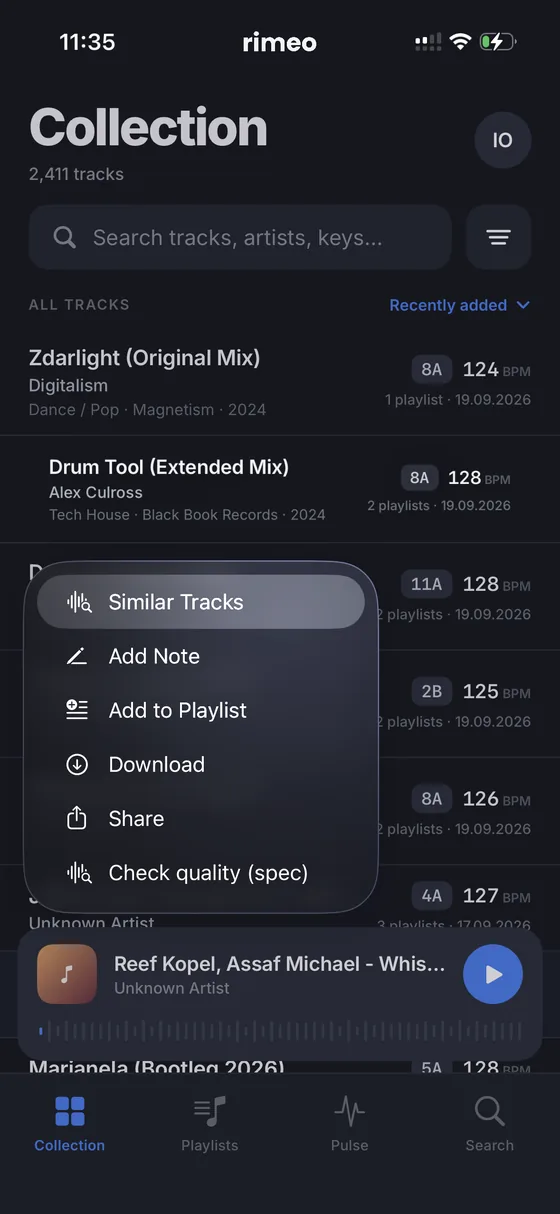
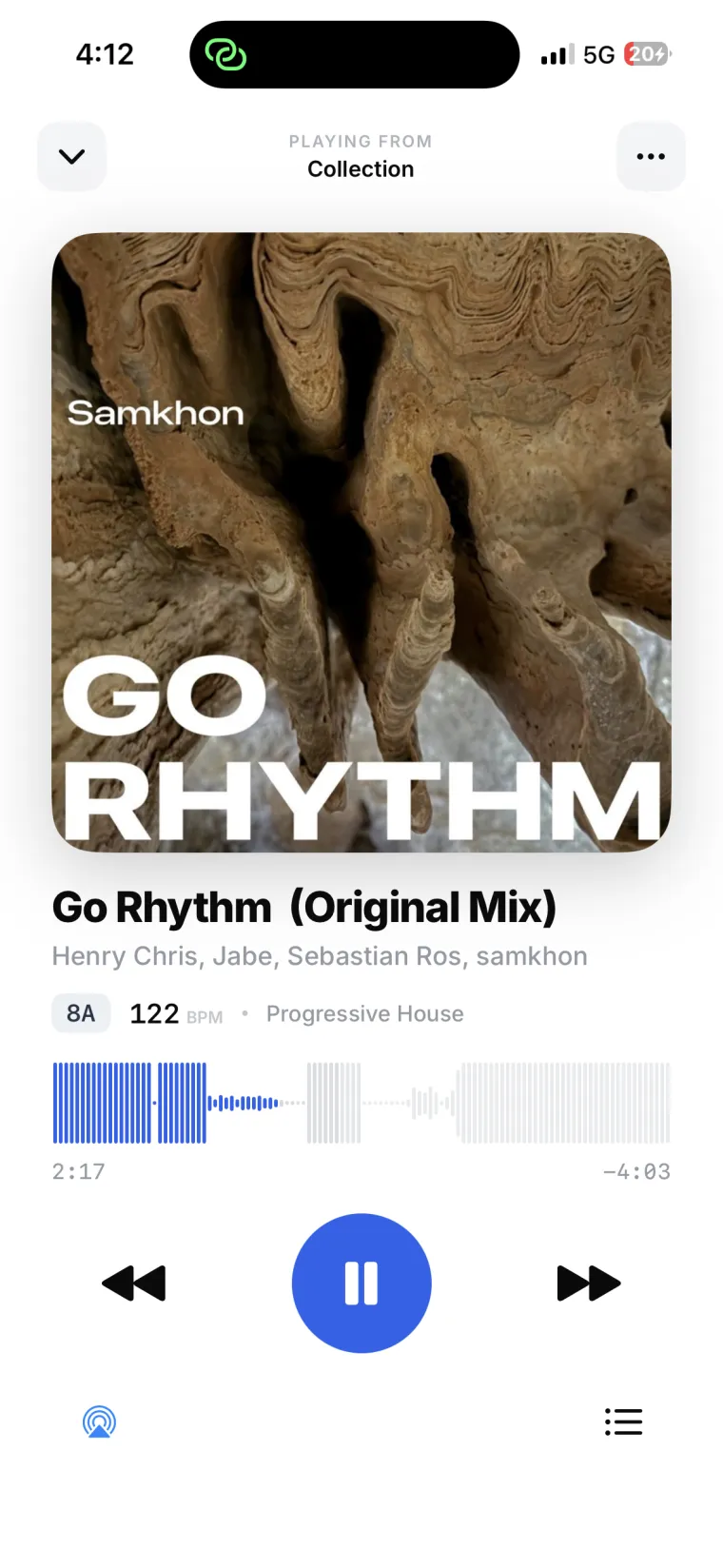
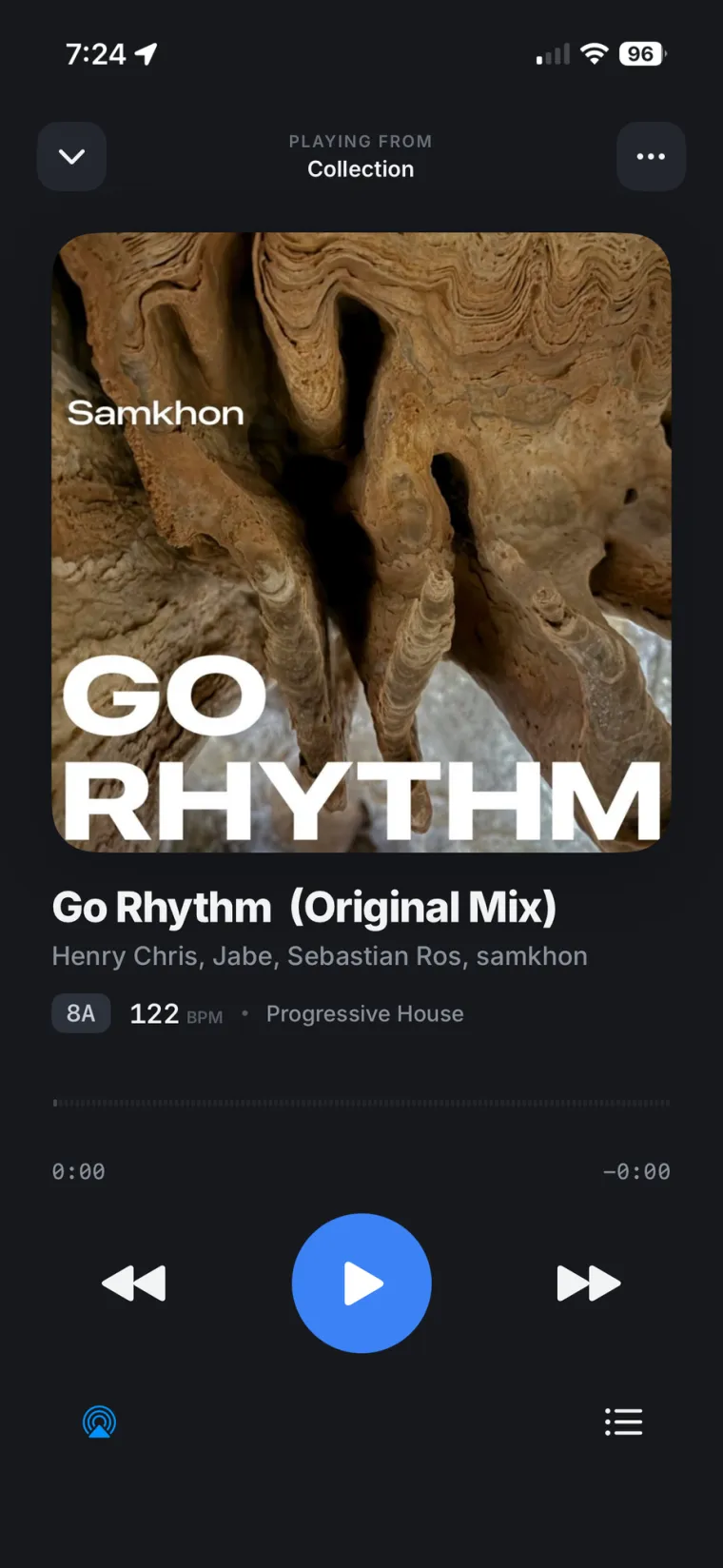
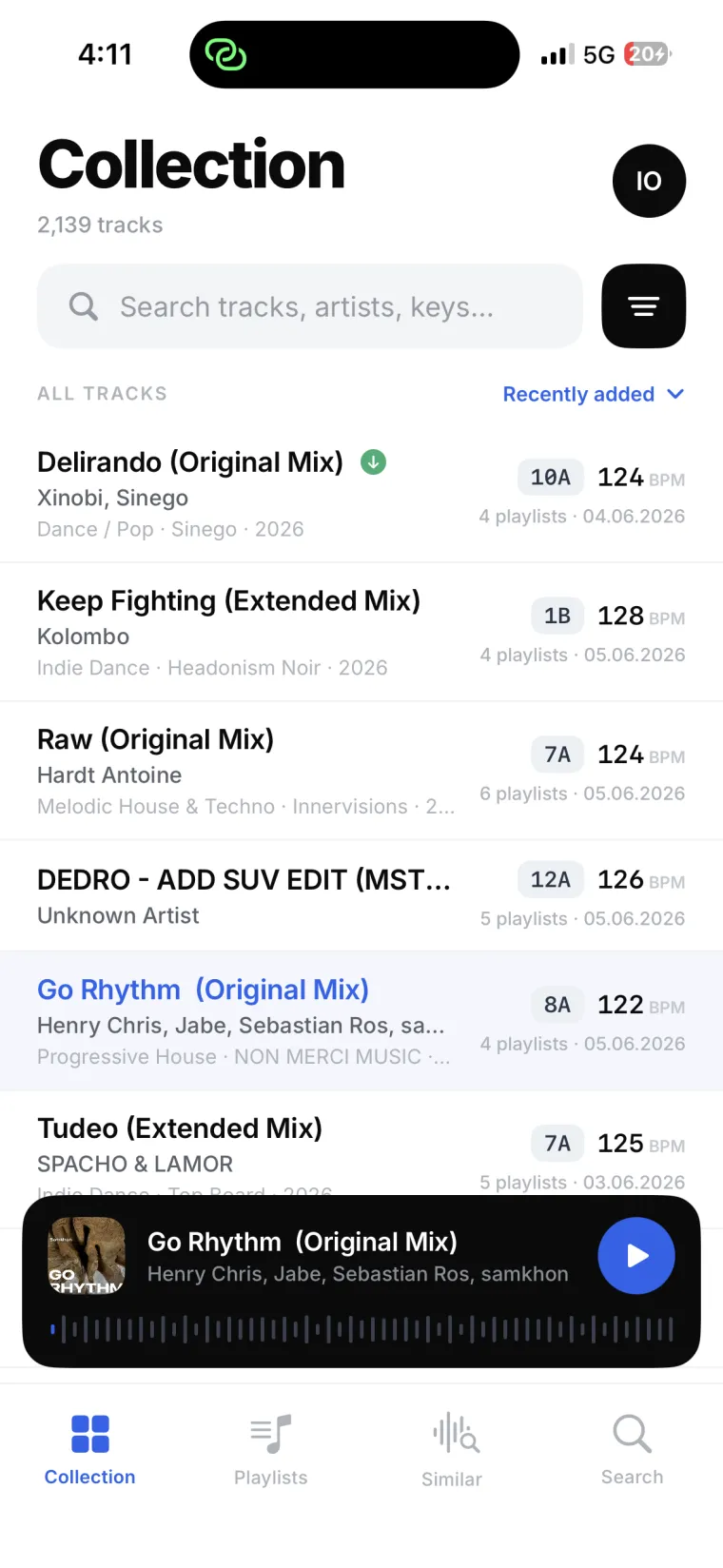
Rimeo streams your local collection to iPhone and browser. Your audio files never leave your machine.

See the architecture

One signal path, end to end.

Nothing is mirrored to a server. The agent reads your library in place and streams each track the moment you press play.

Your machine
Rekordbox XML + audio
Running
RimeoAgent
reads · indexes · streams
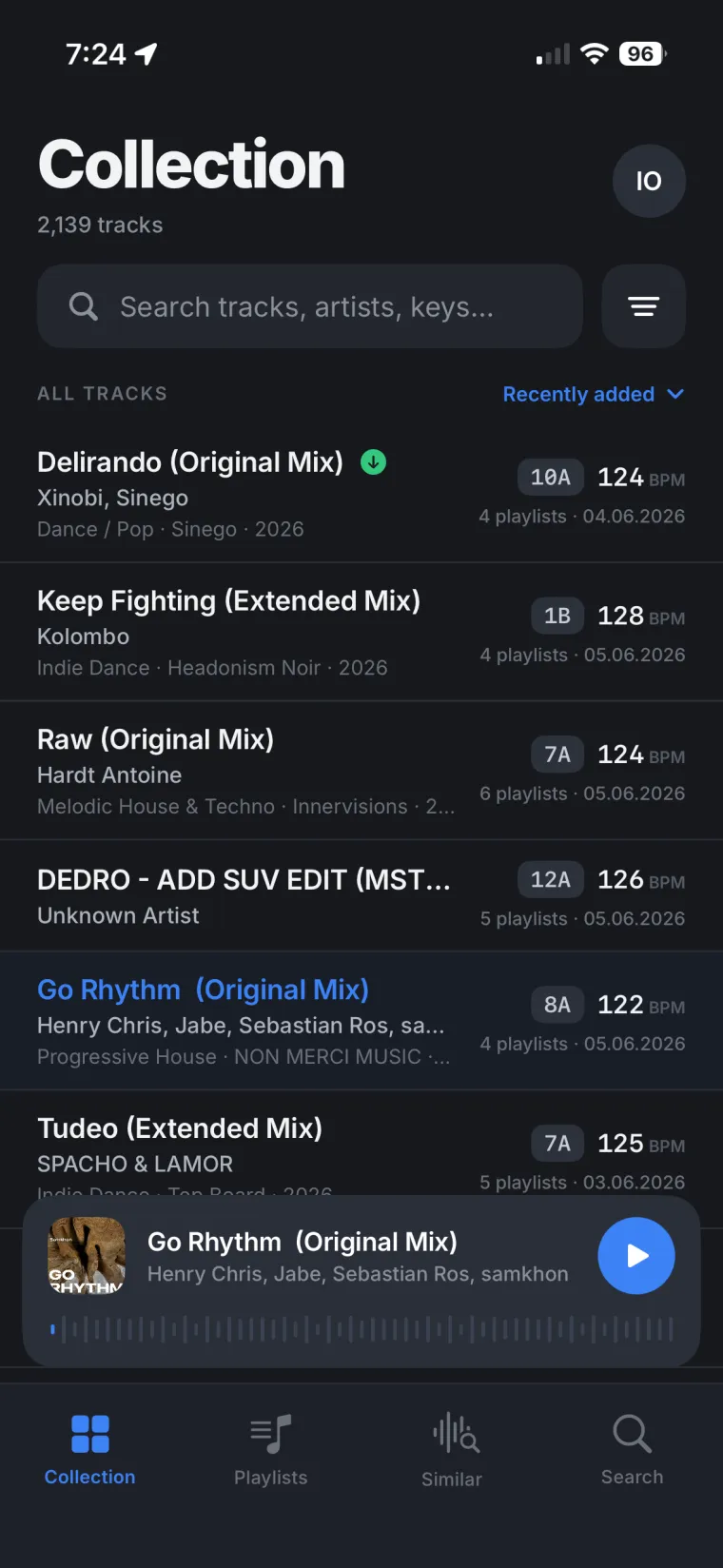
iPhone app
Any browser

Built around your DJ library, not the cloud.

Everything Rekordbox knows about your music, reachable from any device. Your files never leave your drive.

Your playlist tree, intact

Nested playlists, folders and smart lists, exactly as you built them.

Rimeo playlists

Your files stay on your drive

Audio is read locally and streamed on demand. Nothing is ever copied off your machine.

Built for DJs

Every field Rekordbox tracks, queryable in seconds.

BPMKEYWAVEFORM

Browser, iPhone, remote

Full access from any browser or the native iOS app, on your network or a secure tunnel.

One library.
Every device.

Start on the desktop agent, browse on the web, listen on iPhone, then send it to the speakers. Rimeo wires your whole setup into one signal path.

  1. 01Desktop agent reads your Rekordbox collection
  2. 02Browse from any browser dashboard
  3. 03Play on iPhone with lock-screen controls

Local-first by design

The opposite of a cloud locker.

Cloud music lockers
  • Upload your whole library first
  • Your files live on someone else's drives
  • Re-encode and rename your tracks
  • Storage caps and monthly bills
  • Lose the service, lose the access
Rimeo
  • Nothing uploaded, files stay put
  • Audio lives on your own machine
  • Reads your originals untouched
  • No storage caps to manage
  • You hold the library, always

Your collection never leaves home.

Files never uploaded

Audio lives on your drive and is streamed on demand, only while you play.

You run the agent

It starts, stops and configures on your terms. No background cloud sync.

Cloud holds accounts only

Login and agent linking live in the cloud. Your collection does not.

On-demand only

Audio is fetched the instant you play. No pre-caching, no bulk transfers.

Questions,
answered.

The things DJs ask before they trust a tool with their DJ library.

Does Rimeo upload my library to the cloud?

No. Rimeo never uploads your audio files anywhere. Your collection stays on your computer at all times. When you play a track, the audio streams directly from your local agent to your device. The cloud only handles your account, login, and agent linking.

What do I actually install?

Two things: RimeoAgent on the computer holding your Rekordbox library (macOS now, Windows in development), and either the iOS app or any browser for the dashboard. The agent does the heavy lifting locally. No server setup.

Does it work outside my home network?

Yes. Rimeo supports remote access through a secure Cloudflare Tunnel. With tunnel mode on, you reach your library from a venue, the road, or another country, as long as your music computer is on and online.

Which devices can I use?

iPhone through the native SwiftUI app, plus any web browser for the dashboard. The macOS agent is in testing now, with Windows in development.

How does it connect to Rekordbox?

Rimeo reads the Rekordbox XML export, the same file Rekordbox uses to sync with CDJs. Point the agent at it once and Rimeo reads your full structure: playlists, metadata, BPM, genre, artwork, and play counts.

Can I listen when my laptop is offline?

Yes. Download a playlist to your iPhone with a single tap and it plays fully offline, straight from the device. No agent running, no connection, no buffering, so you keep listening even when your machine is asleep or out of reach.

Install once · stream on demand

Take your DJ library anywhere.

Join the waitlist, install the agent when you're in, and your whole Rekordbox collection follows you to every device. Without giving up a single file.

Log in