Rekordbox iPad App: What It Can Do With Your DJ Library
Does rekordbox work on iPad? Yes, since version 4. Here is what the rekordbox iPad app does without a controller, and its Cloud Library Sync limits.

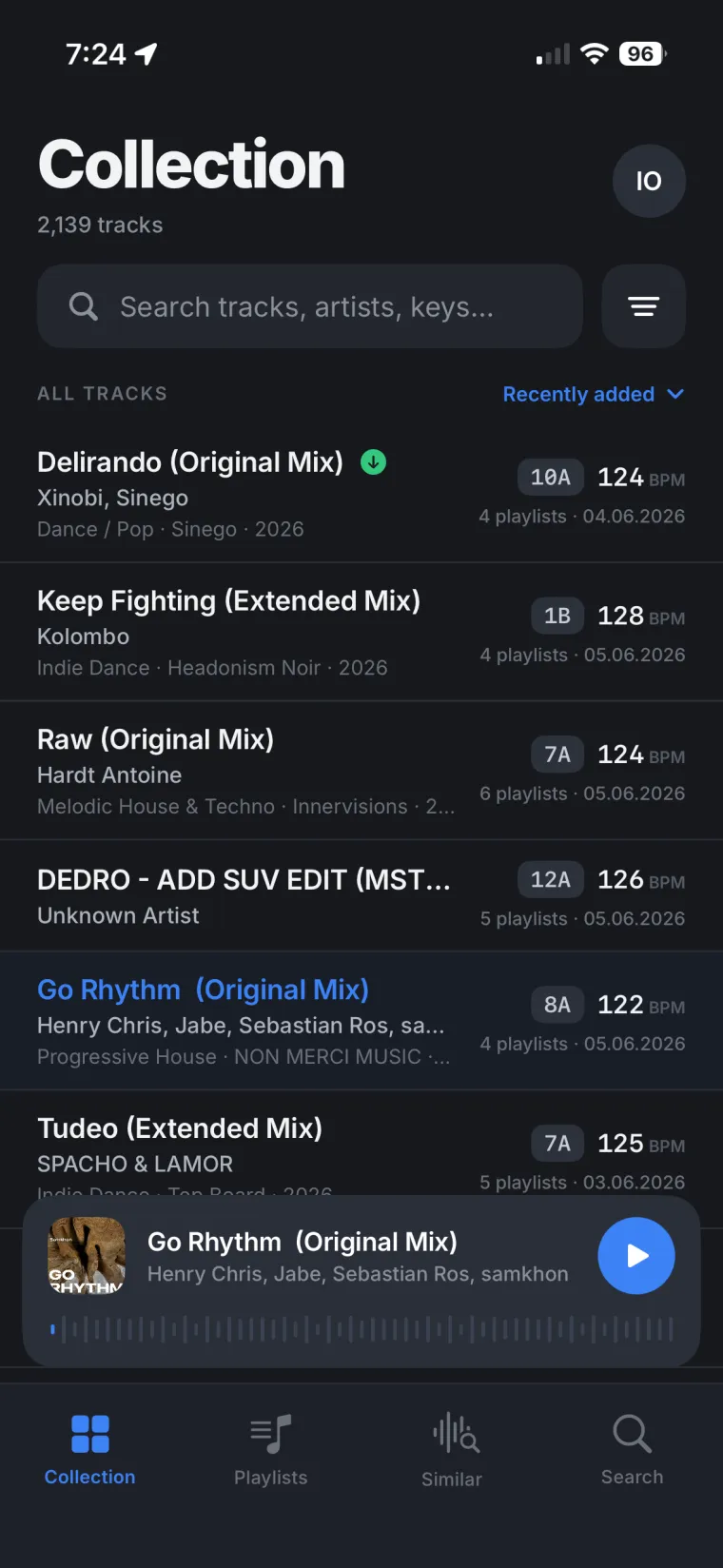
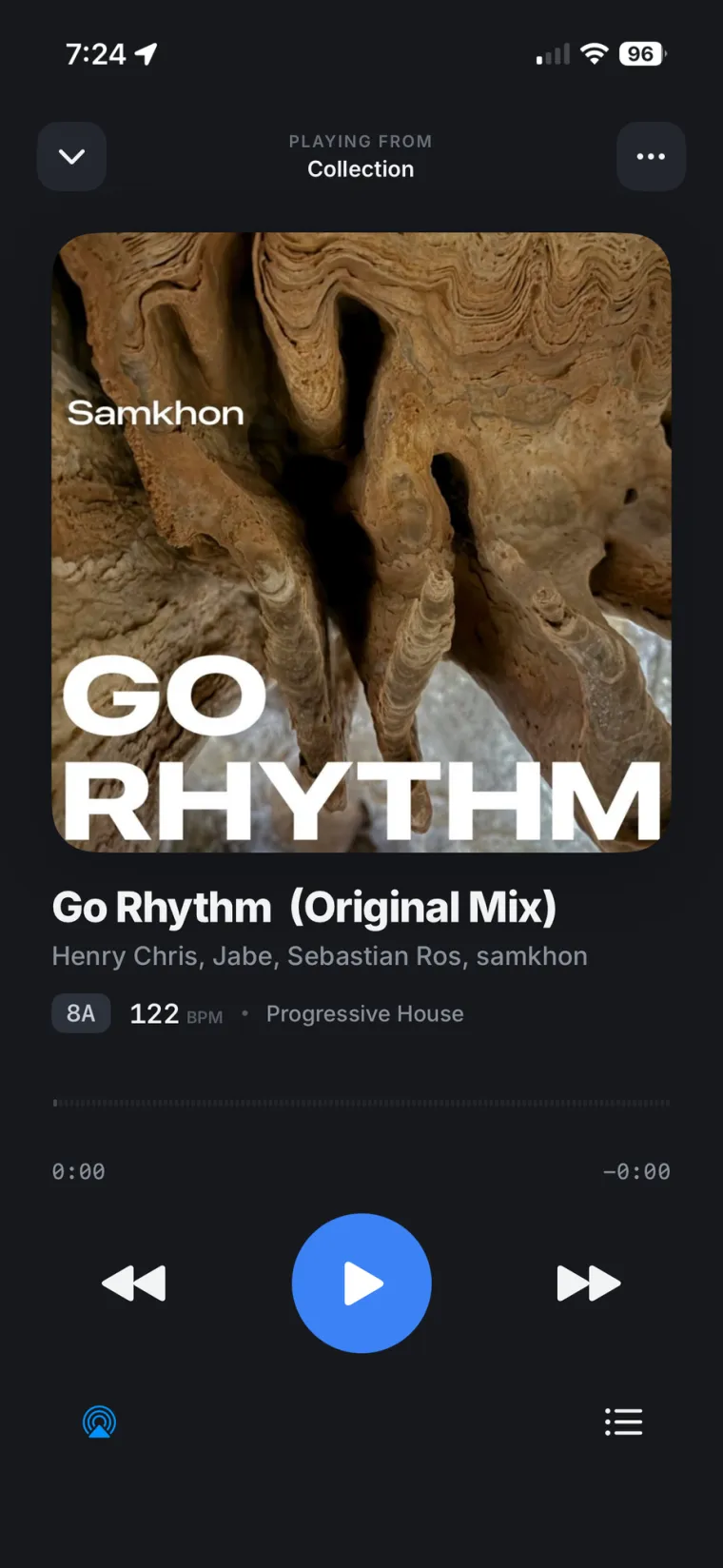
Yes, rekordbox works on iPad. AlphaTheta added iPad support when it relaunched rekordbox for iOS as version 4.0, and the app runs the same app for iPhone and iPad, not a separate edition. The real question is what it unlocks without extra hardware, and where it still ties your DJ library to a cable or a cloud cap.
Does rekordbox work on iPad?
Rekordbox for iOS has supported iPad since the version 4.0 relaunch, which let anyone start DJing with just an iPhone or iPad, no separate iPad app to find. AlphaTheta keeps testing new iPadOS releases against the app: the most recent iPadOS 26 compatibility notice confirms rekordbox works on it, but also warns that full functionality is not guaranteed right away and that support for some models can be partially unavailable on a brand new iPadOS version. Worth checking before you update an iPad you actually gig with.
What you can do without a DJ controller
You do not need a controller plugged in to open rekordbox on iPad. Per AlphaTheta's own description of the app, you prepare your playlists in portrait mode, then turn the iPad to landscape to use the on-screen virtual decks to mix, scratch and add effects, all through the iPad's own speaker. Cloud Library Sync also works without hardware: at launch, the free tier synced a small, capped number of tracks to mobile, with paid plans removing the cap. Caps and plan prices have moved since; our rekordbox Cloud Library Sync price guide has the current numbers.
What needs a compatible controller
Full performance feel, pads and effects open up once you connect supported hardware. Per AlphaTheta's connecting-to-DJ-units guide, the mobile app pairs with the DDJ-200, DDJ-FLX2, DDJ-FLX4, DDJ-GRV6 and XDJ-AN over USB or Bluetooth (an XDJ-AN with a Lightning iPad needs Apple's Lightning to USB 3 Camera Adapter). Through PRO DJ LINK, the app also reaches club gear such as the CDJ-3000, CDJ-3000X, CDJ-2000NXS2, XDJ-1000MK2, XDJ-AZ and XDJ-RX, letting you play tracks from your mobile library on connected players.
Browse your whole DJ library on iPad, no cable and no cap.
Rimeo's web player opens straight in Safari on your iPad and streams your whole real DJ library from your own computer, with nothing uploaded. Download tracks ahead of time and they keep playing with no signal at all, no controller required just to listen.
What it means for your DJ library
Rekordbox on iPad is built around two things: a controller, or a cloud plan. If you just want to sit on the couch and scroll through your whole DJ library to check what is in a playlist, you run into whatever cap the free or entry cloud plan sets that day. If you want to mix hands-on, you need a compatible controller within reach, plus a power source for most of them. Neither path is built for the simplest use case: just listening to and digging through the DJ library you already built, on the iPad you already own, without uploading it anywhere.
That gap is exactly where DJs give up and export a folder of files to the Files app, losing playlists, BPM and key along the way, or pay for more cloud storage just to see more of their own tracks.
Before you decide which way to go
- Performing with pads, effects and a mixer feel on iPad: you need a compatible controller (DDJ-200, DDJ-FLX2, DDJ-FLX4, DDJ-GRV6) or PRO DJ LINK gear.
- Casual mixing through the iPad speaker only, no hardware: rekordbox's portrait/landscape mode covers that.
- Syncing more tracks to the iPad through rekordbox's own cloud than the free cap allows: check the Cloud Library Sync plans and prices first.
- Just browsing, listening to or prepping playlists from your whole existing DJ library without uploading anything: that is a job for a web player streaming straight from your own computer, not rekordbox's cloud or a controller.
For a full comparison of every way to get a DJ library onto a phone or tablet, including the official app, Mobile Library Sync and Cloud Library Sync, see our guide to rekordbox library on phone.
Your DJ library, not a capped slice of it
None of this makes rekordbox for iPad bad at what it is built for: performing with a controller, or syncing a cloud library within its limits. But it was never built to put your entire, already-organized DJ library in front of you on an iPad with nothing uploaded and nothing capped. If that is the actual job, it is worth having a second tool for it alongside rekordbox.
Build your next playlist without plugging anything in.
With Sync to Rekordbox, a playlist you build on your iPad lands back in your real Rekordbox library under the same name and order, ready for your next session at the computer. Pulse also shows you which tracks keep getting passed over, so prep time goes to music you will actually play.
Sources
FAQ
Does rekordbox work on iPad?
Yes. Rekordbox for iOS has supported iPad since the version 4.0 relaunch in 2023, using one app for iPhone and iPad rather than a separate iPad edition.
Can I use rekordbox on iPad without a DJ controller?
Yes. You can prepare playlists in portrait mode, then switch to landscape mode to mix, scratch and add effects on the on-screen virtual decks through the iPad's own speaker.
What DJ controllers work with rekordbox on iPad?
AlphaTheta lists the DDJ-200, DDJ-FLX2, DDJ-FLX4 and DDJ-GRV6 as compatible over USB or Bluetooth, plus the XDJ-AN and PRO DJ LINK club gear such as the CDJ-3000 and XDJ-1000MK2.
Does Cloud Library Sync have a track limit on iPad?
The free tier has always capped how many tracks sync to mobile, with paid plans removing the cap. Check a current pricing guide, since caps and plans change.
How do I see my whole Rekordbox library on iPad without a cloud cap?
A web player that streams directly from the computer holding your library, such as Rimeo, shows your full DJ library in Safari on iPad with nothing uploaded and no per-track cap.