Rekordbox Library on Phone: 4 Real Ways to Do It
Want your rekordbox library on phone? Here are the 4 real ways to do it: mobile app, Mobile Sync, Cloud Sync, or streaming it live, with the trade-offs.

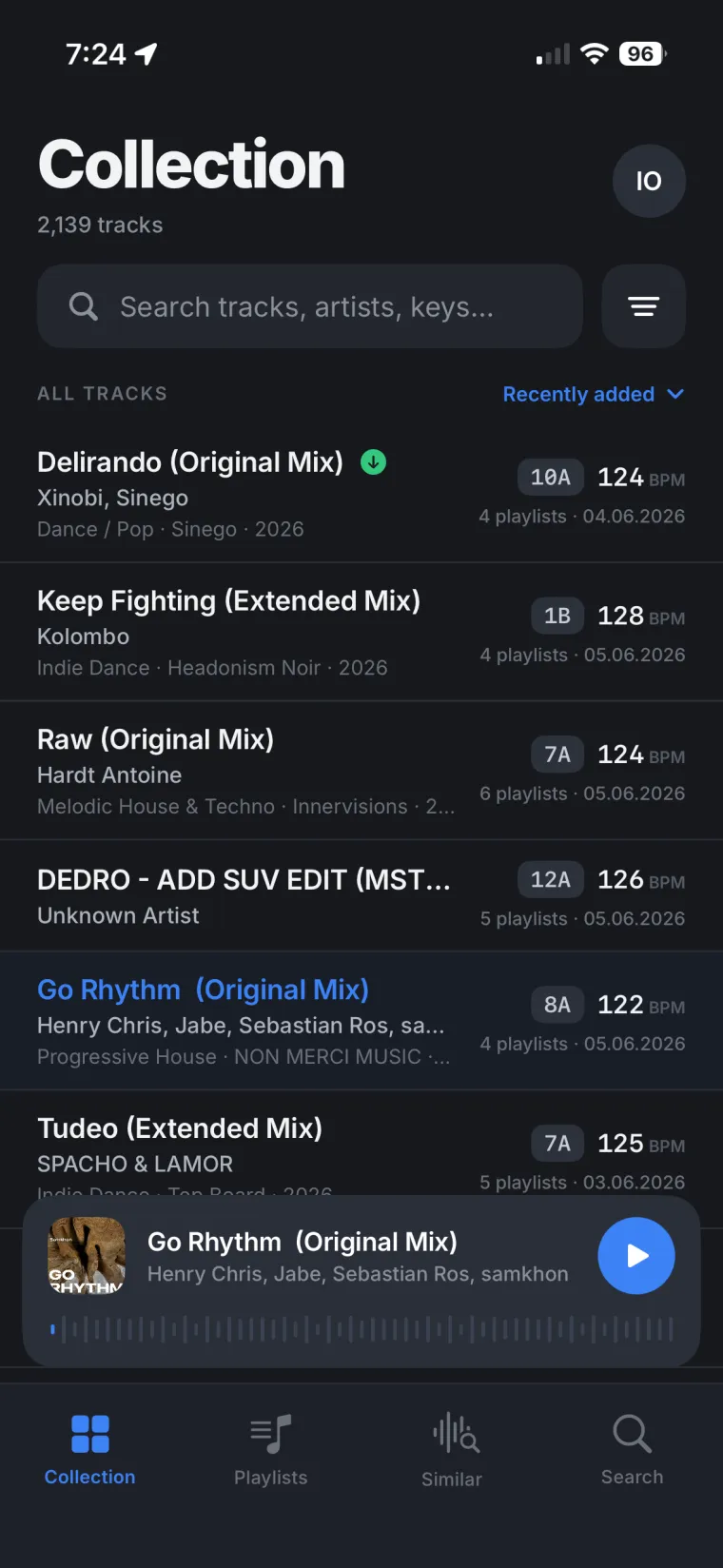
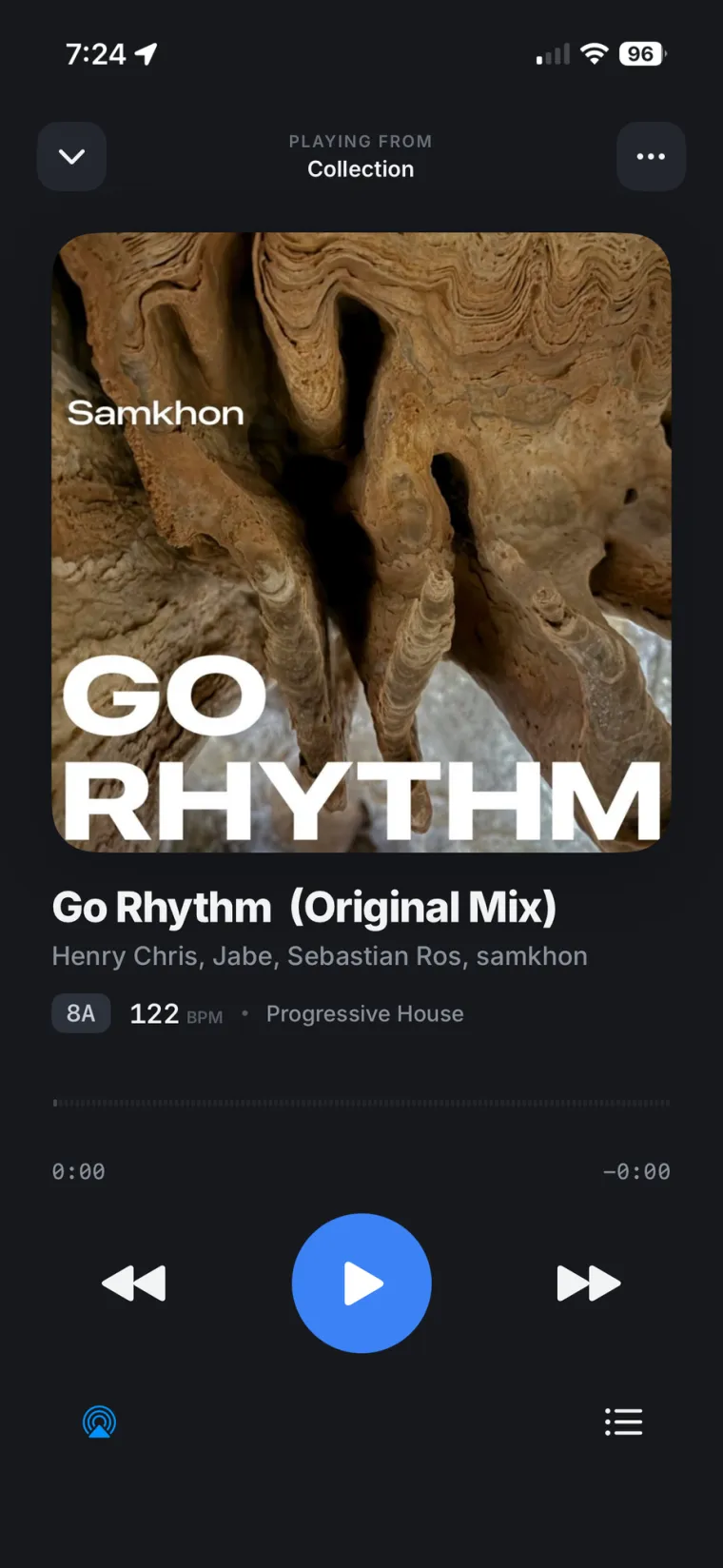
There are four real ways to get your rekordbox library on phone: the rekordbox mobile app, Mobile Library Sync, Cloud Library Sync, or streaming your whole DJ library live from your own computer. Each one works differently, and none of them is right for every DJ. Here is what each one actually does, based on AlphaTheta's own documentation, and where each one runs into a wall.
The rekordbox mobile app: a DJ tool, not a library viewer
The rekordbox mobile app for iOS and Android lets you mix, apply effects, build playlists and use pads straight from your phone or tablet, with or without a DJ controller like the DDJ-FLX4 or DDJ-GRV6. It also plugs into five streaming services: Apple Music, Beatport, Spotify Premium, SoundCloud and Tidal, so you can build a set from a streaming catalog without any local files at all.
What it does not do on its own is show you your desktop rekordbox library. The app is built around streaming catalogs and a cloud library you upload yourself, not a live window into the collection sitting on your Mac or PC. For the full picture of what the iOS app can and cannot reach, we covered it in detail in our rekordbox iPhone app guide.
Mobile Library Sync: free, but only on your home Wi-Fi
Mobile Library Sync is AlphaTheta's free option for moving tracks between your computer and your phone. It needs rekordbox 6 or later on Mac or Windows, rekordbox 3 or later on iOS or Android, both devices on the same Wi-Fi network, and both signed into the same AlphaTheta account. From there you pick tracks on one device and transfer them to the other.
The catch is in the name: it is a transfer, not a live connection. A track that has not been sent over yet shows up grayed out on the other device, and nothing moves unless you are on the same network and start the transfer yourself. Leave the house and the sync stops, with no cloud step to fall back on.
Cloud Library Sync: your rekordbox playlists in Dropbox or Google Drive
Cloud Library Sync is the paid route. It uploads your rekordbox tracks, cues and playlists to cloud storage so other devices signed into your AlphaTheta account can pull the same library down. As of October 2026, it comes two ways: the Cloud Option, which adds up to 1TB of storage to a Core or Creative plan, and the Professional plan, which includes 5TB. Both lean on a personal Dropbox account, not a Dropbox Business team, and need rekordbox 6.8.0 or later on desktop.
The trade-off is the upload itself. Your tracks leave your computer and sit in Dropbox's cloud, and the storage is tied to your subscription: cancel the plan and the Dropbox account drops back to its free 2GB tier, with existing files staying put but no room for more. We laid out the full cost picture against a no-upload option in this comparison.
Keep building playlists while the upload stays home
Rimeo reads your rekordbox library straight off your computer, cues, playlists, BPM and key included, so there is nothing to upload before you can browse it on your phone. Pulse also looks at your play history and tells you which tracks in your library never make it into a set.
Copying files by hand: Dropbox, Google Drive, USB
The oldest method is also the simplest to describe and the most work to live with: drop your track folder into Dropbox or Google Drive, or copy it to a USB drive, and carry it to another device by hand. This moves the audio files, but not what makes a rekordbox library useful for DJing. Playlists, hot cues, BPM, key and play history live in rekordbox's own database, not in the audio files, so a plain file copy leaves all of that behind. You end up rebuilding playlists and re-analyzing tracks on every device, and the moment you add a track at home, every copy elsewhere is out of date again.
Streaming your rekordbox library live from your own computer
There is a fourth way that skips the upload and the manual copying both: stream the library straight from the computer it already lives on. Rimeo runs a small agent on the Mac or Windows machine that holds your rekordbox library, reads it directly from the rekordbox database, playlists, folders, BPM, key, genre and artwork included, and opens the same library in the Rimeo iPhone app or any web browser, at home over Wi-Fi or away through an encrypted connection.
Nothing gets uploaded to a Rimeo server; the audio stays on your computer and streams from there. Playlists you build on the phone can be sent back into real rekordbox with Sync to Rekordbox, landing under the right name and folder, with a backup of your database taken before anything is written. For listening with no signal at all, you can download tracks or whole playlists to the phone first, while the computer is still on.
Which way actually fits you
None of these is wrong, they just answer different questions. If you want to DJ standalone from your phone with a controller or a streaming catalog, the rekordbox mobile app is the right tool, and no other option here replaces it. If you only ever move tracks at home and never need them away from your Wi-Fi, Mobile Library Sync costs nothing and does the job. If you want a second, independent copy of your library that lives entirely in the cloud, Cloud Library Sync is built for that, at the price of an upload and a subscription. If you just want to listen to, check and prepare the rekordbox library that already lives on your computer, without uploading a copy of it anywhere, streaming it live is the more direct route. For remote access away from home in general, we go deeper in this guide.
Your library should not be stuck on one machine
Most of these options exist because a rekordbox library is, by default, locked to the computer that holds it. That is fine until you are on the couch, on the train, or just away from your desk and want to check what is in a playlist or hear a track you half remember. Copying files around or paying for cloud storage both work, but they both ask you to keep a second copy in sync by hand or by subscription.
Hear your own rekordbox library anywhere
Rimeo streams your library from your own computer to your phone and your browser, with the same playlists, BPM and key you already have in rekordbox. Similar Tracks can suggest your next pick from music you already own, pulled from your own sets, not a generic recommendation engine.
Sources
FAQ
Can I get my whole rekordbox library on my phone?
Not with the rekordbox mobile app alone. It plays streaming catalogs and a cloud library you upload through Cloud Library Sync, but it does not show your desktop library live. Mobile Library Sync and Cloud Library Sync both move tracks over, and streaming the library from your own computer, which is what Rimeo does, gives access to the same library without uploading it first.
What is the difference between Mobile Library Sync and Cloud Library Sync?
Mobile Library Sync is free and local: it transfers tracks between your computer and phone over the same Wi-Fi network, with no cloud step. Cloud Library Sync is a paid feature that uploads your tracks, cues and playlists to Dropbox or Google Drive so other devices can pull the same library down from anywhere.
Is Cloud Library Sync free?
No. As of October 2026 it is available as the Cloud Option add-on, with up to 1TB of storage, on a Core or Creative plan, or built into the Professional plan, which includes 5TB.
Can I listen to my rekordbox playlists on my phone without uploading them?
Yes, by streaming them instead of syncing a copy. Rimeo reads your rekordbox library directly from your computer and opens the same playlists, BPM and key in the iPhone app or a browser, with nothing uploaded to a server.
Does copying my music folder to Dropbox bring my rekordbox playlists with it?
No. Playlists, hot cues, BPM and key live in rekordbox's own database, not in the audio files, so a plain file copy to Dropbox, Google Drive or a USB drive only moves the audio. You have to rebuild playlists and re-analyze tracks on the other device.