Rekordbox Sync Manager: What It Does and How to Use It for USB
Rekordbox Sync Manager explained: sync playlists to a USB stick, bring cues, beat grids and ratings back, and what to check if it is greyed out.

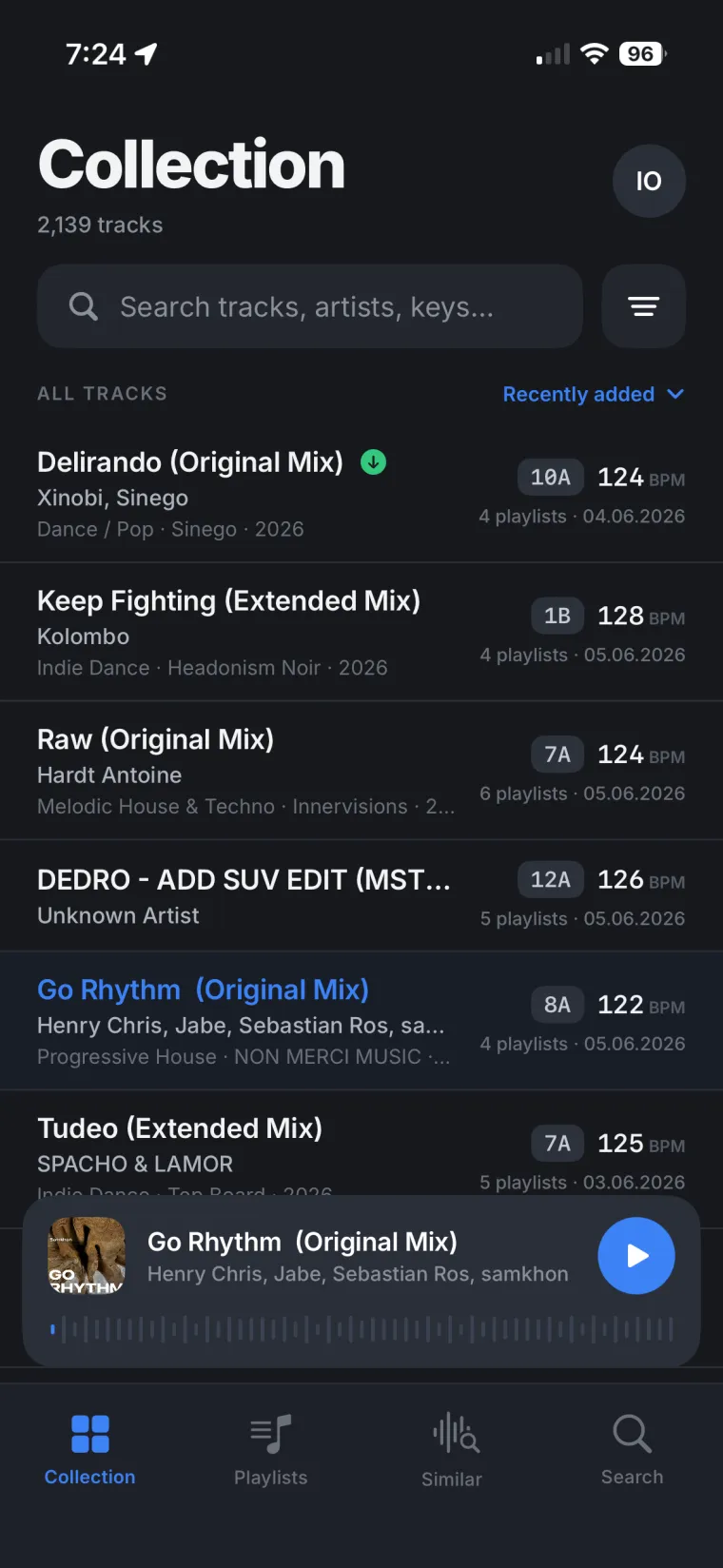
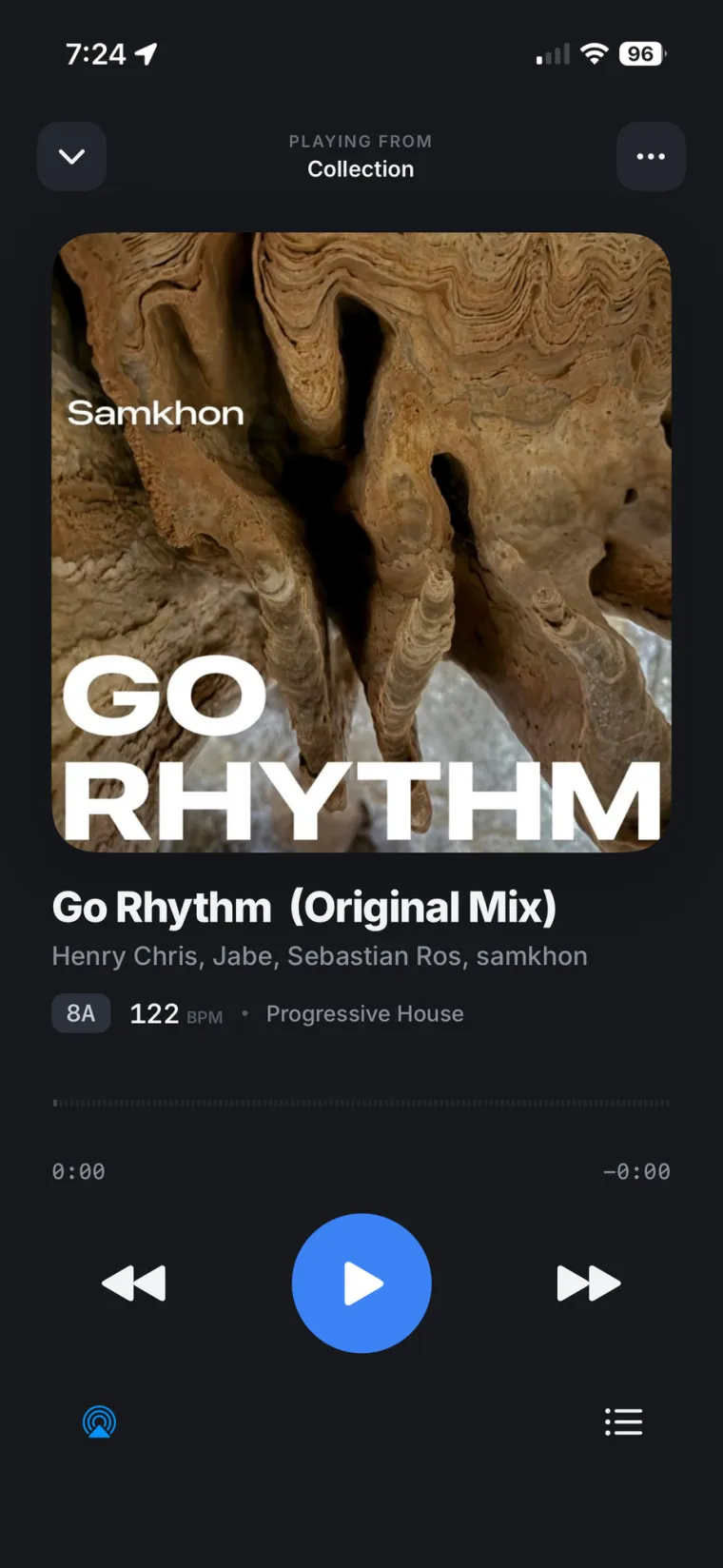
Rekordbox Sync Manager keeps playlists on a USB stick or SD card in step with your Rekordbox playlists. You tick the playlists you want, press the arrow, and the device gets the latest version. It also works the other way for cues, beat positions and ratings. It lives in EXPORT mode, and it is a different tool from Mobile Library Sync and Cloud Library Sync.

Want to build playlists on your phone?
Rimeo opens your Rekordbox DJ library on your iPhone. Make a playlist anywhere and Sync puts it into Rekordbox.
Here is what Sync Manager does, the exact steps, and what to check when it does not behave. Everything below comes from the official rekordbox 7 manual (version 7.2.18, checked November 2026).
If your real goal is to build the playlist away from your computer, there is a practical route for that too: Rimeo lets you put the playlist together on your phone and writes it into Rekordbox, and then Sync Manager takes it to the USB stick.
What is Rekordbox Sync Manager?
The manual describes it in one sentence: SYNC MANAGER can bring your iTunes playlists to the latest status and easily export iTunes or rekordbox playlists to USB storage devices in the updated status. You open it with the sync button at the bottom of the Media Browser in EXPORT mode.
So it does two jobs:
- Playlists to a device. The playlists you tick are exported to the USB stick or SD card in their latest state, including updated track information.
- Information back from a DJ player. Cues, beat positions and ratings changed on a DJ player can be sent back to Rekordbox.
It also handles iTunes playlists, but the manual notes that the iTunes service is not available on macOS Catalina and later. That part is for people on older systems or on Windows.
Sync Manager is not the same as Mobile Library Sync. In the manual they are two separate buttons and two separate windows: one is called [SYNC MANAGER], the other [Mobile Library Sync], and the second one pairs Rekordbox with the mobile app. If you want the phone side, read Rekordbox Mobile Library Sync.
Build the gig playlist on your phone
Rimeo lets you build a playlist on your phone and Sync to Rekordbox writes it into your real Rekordbox library, same name, same folder, same order. Similar Tracks then suggests more tracks from your own DJ library to fill it.
How to sync a playlist to a USB stick with Sync Manager
- Put the USB stick or SD card into your computer.
- Click the sync button at the bottom of the [Media Browser].
- Double-click [Device], then pick your stick. The playlists on it appear.
- Tick the [Synchronize playlists with a device] checkbox.
- Tick the Rekordbox playlists you want on the device.
- Click the arrow on the left side of [Device].
The ticked playlists are now exported to the device in the latest status. The manual adds a handy hint: once a device is synchronized, the ticked playlists are exported again automatically when you start Rekordbox and click the device in the tree view. That is the real time saver. Change a playlist at home, plug the stick in, and it updates.
Sync Manager covers the "update my stick" part. For the first export, CDJ compatibility and OneLibrary, see Rekordbox export to USB.
How do I get cues and beat grids back from a USB stick?
After a gig, the stick may hold cues, beat positions and ratings you changed on a DJ player. To bring them home:
- Put the synchronized stick into the computer.
- Click the sync button at the bottom of the [Media Browser].
- Double-click [Device] and select your stick.
- Click the arrow on the right side of [Device] (the one marked CUE, GRID, INFO).
The manual says the same result is expected if you pick the device in the tree view and choose [Update Collection]. One limit is stated clearly: you cannot send back information for tracks that were exported from another computer or deleted from [Collection].
Does Rekordbox sync with My Tag?
The Sync Manager pages of the manual do not mention My Tag. They talk about playlists, cues, beat positions and ratings only. My Tag is described elsewhere in the manual as a filter in the browser, next to [BPM], [KEY], [RATING] and [COLOR]. Because the manual does not promise it, check on your own stick before you rely on it. If you sort tracks with tags, an Intelligent Playlist that uses My Tag gives you a normal playlist you can tick in Sync Manager.
Why is Rekordbox sync greyed out or not working?
The manual does not list a reason for a greyed-out sync button. It does state the conditions the feature needs, so check these first:
- You are in EXPORT mode. The section is titled "Using SYNC MANAGER (EXPORT mode)".
- The device is inserted and you have selected it under [Device].
- The [Synchronize playlists with a device] box is ticked and your playlists are ticked too.
- For sending information back, the stick must be one that was synchronized with this Rekordbox, and the tracks must still be in [Collection].
A similar symptom has its own official answer. In the Rekordbox FAQ, the [import History] menu is greyed out for USB devices connected in PERFORMANCE mode, because importing play histories is limited to EXPORT mode. If your stick shows no tracks on the player, that is a different problem, covered in the USB export guide.
Keep a copy before you sync
Sync Manager changes what is on the device, and information sent back changes your collection. Before a big update, make a backup of your DJ library. The steps are in Rekordbox backup library.
Playlist ready on the phone, stick ready at home
Sync Manager answers one question: how does my playlist get from Rekordbox to the stick. The step before it is where many DJs lose time, because the playlist idea comes on the couch or on the train and gets built later at the computer.
Rimeo moves that step to your phone. You open your own DJ library from your own computer, build the playlist, and run Sync to Rekordbox. It runs from an Apple Silicon Mac or a Windows PC with Rekordbox closed, and you start it from the Rimeo iPhone app or a phone browser. Rimeo makes a backup of your Rekordbox database before it writes anything. At home, the playlist is already in Rekordbox, so you tick it in Sync Manager and press the arrow.
Keep your own DJ library one tap away
Rimeo streams your DJ library from your own computer to your phone and any browser, with nothing uploaded. You can also download a playlist to the Rimeo iPhone app while your computer is on and play it later without signal.
FAQ
What is Sync Manager in Rekordbox?
Sync Manager is an EXPORT mode tool that exports your Rekordbox playlists to a USB stick or SD card in their latest state. It can also send cues, beat positions and ratings from a DJ player back to Rekordbox, and it handles iTunes playlists on older systems.
How do I sync Rekordbox playlists to a USB stick?
In EXPORT mode, click the sync button at the bottom of the Media Browser, double-click Device and pick your stick, tick Synchronize playlists with a device, tick the playlists you want, then click the arrow on the left side of Device.
How do I get cues and beat positions back from my USB stick?
Insert the synchronized stick, open Sync Manager, select the device and click the arrow on the right side of Device. Choosing Update Collection on the device gives the same result. Tracks exported from another computer or deleted from Collection cannot be sent back.
Is Sync Manager the same as Mobile Library Sync?
No. In Rekordbox they are two separate windows. Sync Manager works with iTunes playlists and USB devices. Mobile Library Sync pairs Rekordbox with the mobile app.