How Do DJs Prepare Their Sets? A Step-by-Step Workflow
How do DJs prepare their sets? A step-by-step workflow covering track pools, energy mapping, key and BPM, rehearsal, and reading the room.

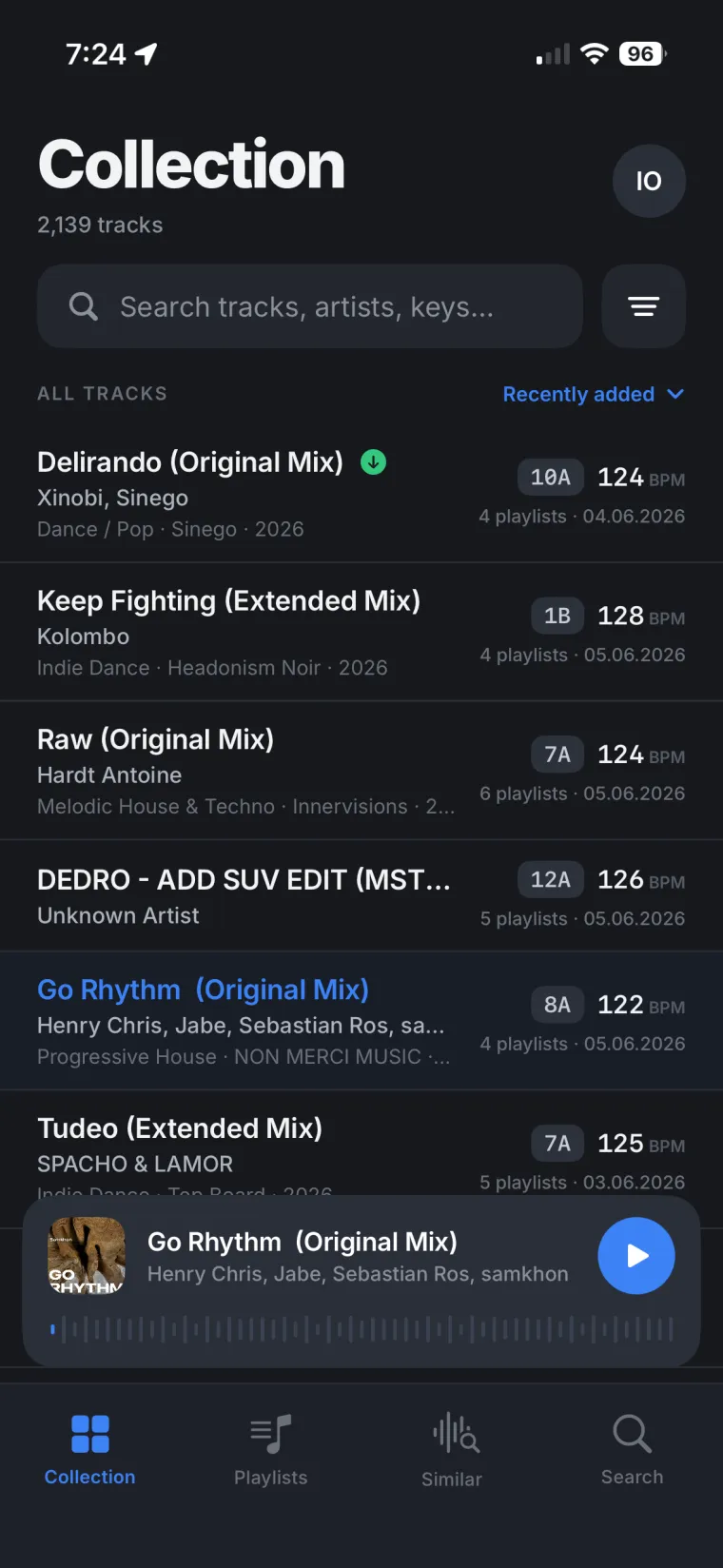
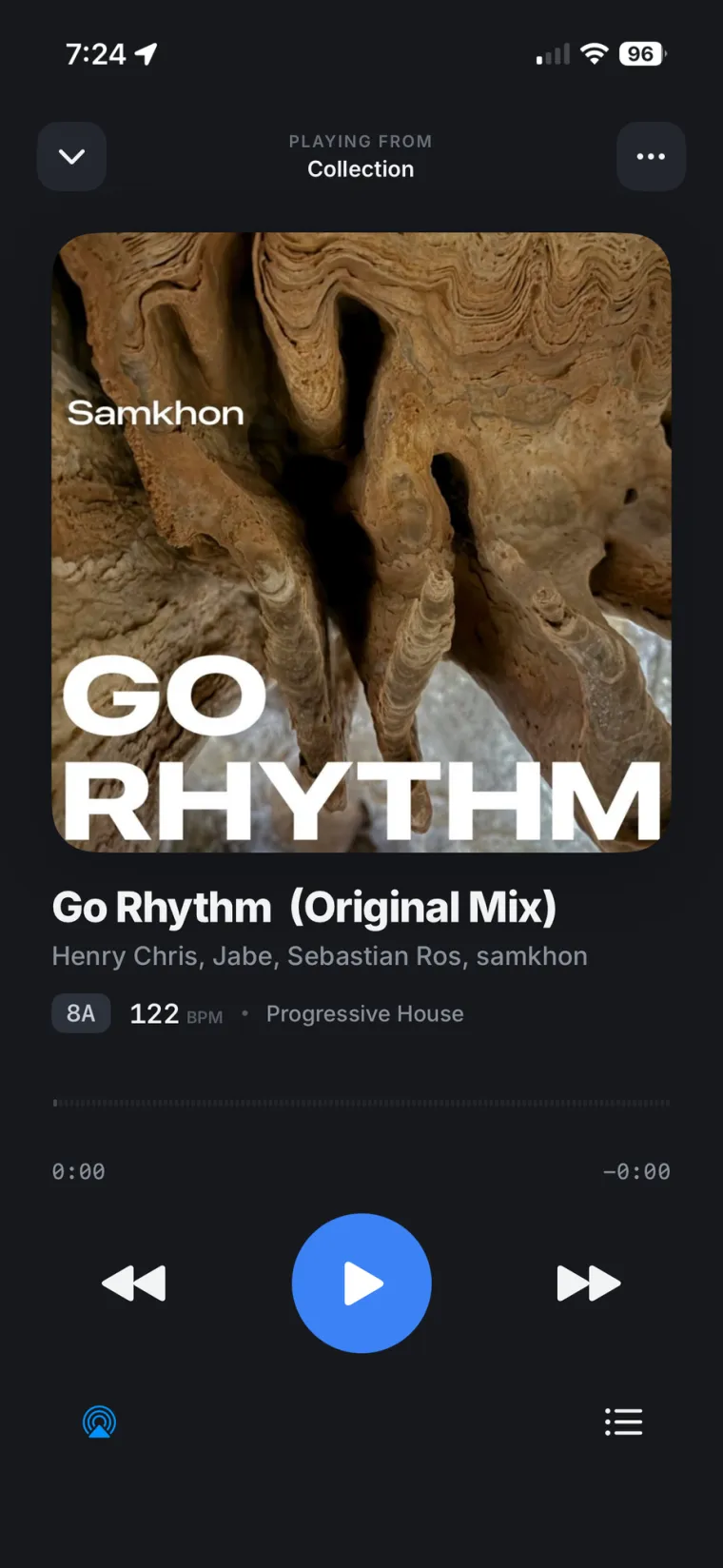
DJs prepare a set by narrowing their whole collection down to a focused pool of tracks, usually 40 to 120 depending on the length of the set and how fast they mix, then mapping out how the energy should rise and fall, checking key and BPM so the tracks blend, and rehearsing the hardest transitions before the night. Most of that work happens away from the booth, and often away from the computer that holds the actual DJ library too. Here is the full workflow, step by step.
How do DJs prepare their sets?
In short, most DJs follow the same five steps, in roughly this order:
- Build a track pool from the DJ library, not the whole collection.
- Map the energy of the set, from warm-up to peak to close.
- Check key and BPM so the tracks actually mix together.
- Rehearse the hard transitions, not the whole set.
- Read the room: the venue, the crowd, and whoever plays before them.
Step 1: Build a track pool from your DJ library
Few DJs play from their entire DJ library on the night. One guide to set preparation from DJ.Studio suggests narrowing things down to a pool of 40 to 120 tracks, depending on the set length and how dense the mixing is going to be. Digital DJ Tips adds a simpler rule many working DJs follow: pack roughly double what you expect to actually play, so there is always a direction to go if the room doesn't react the way you planned.
Getting to that pool means listening through tracks and sorting by BPM, key, and genre to turn hundreds of files into a short list fast. That sorting is easiest when the whole DJ library is in front of you, not just the handful of playlists already synced to a laptop. If your DJ library only lives on one computer, you can still browse and build from it remotely instead of waiting until you are back at that desk.
Step 2: Map the energy of the set
Once the pool exists, DJs sketch a rough energy map before picking an exact order. DJ.Studio's example for a 60-minute set starts with a low-to-medium opener for the first ten minutes, then a gradual rise with more vocal or melodic tracks through the middle, a peak section with the highest-impact tracks, and a controlled release at the end. The map is not a fixed tracklist. It is a shape the set should follow, with a few anchor tracks placed at the moments that matter most, and gaps left for whatever the room calls for in between.
Find your next track away from your desk.
Long-press any track in your DJ library on your phone and Similar Tracks shows what goes with it, built from your own sets and playlists, not a generic chart. Inside a playlist you're building, Recommended suggests more tracks from music you already own.
Step 3: Match key and BPM for smooth transitions
With a shortlist and a rough shape in place, DJs check how the tracks actually mix together. DJ.Studio recommends keeping BPM moves small and planned, about 2 to 4 BPM at a time, so tempo changes feel natural rather than sudden. For bigger jumps, a breakdown, a half-time or double-time trick, or a dedicated reset track does the work instead of a hard tempo change. On the harmonic side, staying inside a key family and making small moves within it tends to give smoother blends than jumping between unrelated keys, and lining transitions up with 32 or 64-bar phrase boundaries avoids dropping a new track over the middle of a verse.
Step 4: Rehearse the transitions, not the whole set
Few DJs rehearse an entire set start to finish. What DJ.Studio describes instead is zooming into the specific phrase boundaries where one track hands off to the next, trying a few different transition ideas at each one, and checking how they sound on more than one system: earbuds, studio monitors, and a mono PA if one is available, since a mix that sounds fine in headphones can fall apart on a single speaker.
Digital DJ Tips points at another habit worth borrowing: reviewing previous sets to see what actually worked. Many DJ software programs already keep a play history for exactly this reason, even if most DJs rarely open it.
Step 5: Read the room before you play
The last piece of preparation happens outside any software. Digital DJ Tips lists knowing the venue and its usual crowd ahead of time, sorting the pool into rough categories like warm-up, peak-time, and closing tracks, and keeping a simple backup plan in case the main set falls flat. None of that depends on any tool. It depends on showing up with options instead of a single fixed script.
Prep doesn't always happen at your desk
Nearly all of the advice above assumes a DJ sitting at a laptop with their DJ software open, scrolling playlists, checking BPM, sorting by key. In practice, the ideas for a set rarely show up on schedule like that. They show up on the commute, on the couch, between other things, and by the time the DJ is back at the computer half of them are forgotten.
That gap gets wider when the whole DJ library only lives on one machine at home. There are a few ways to get a DJ library onto a phone, each with its own trade-offs, but the point of any of them is the same: being able to pick up the prep where the idea happened, not wait for the desk. Rimeo's Pulse screen also reads your Rekordbox set history back in a clearer form: what's been in heavy rotation the last three months, what's never made a set at all, and which tracks are carrying half of every set without anyone noticing.
Build the set on your phone. It lands in Rekordbox.

Put a playlist together in Rimeo on your phone and it writes straight into your real Rekordbox library: same name, same folder, same order, nothing to import by hand. Download the finished playlist to your iPhone while your computer is on, and it still plays later with the computer off and no signal.
Sources
FAQ
How many tracks should I prepare for a DJ set?
Most DJs narrow their DJ library down to a pool of 40 to 120 tracks for a single set, depending on how long the set is and how fast they mix, then play roughly half of that pool on the night.
Do DJs plan every track in advance?
Rarely. Most DJs prepare a pool of tracks and a rough energy map, then pick the exact order and transitions in the room based on how the crowd reacts.
How do DJs make sure tracks mix well together?
They check key and BPM before the set, keep tempo moves small (about 2 to 4 BPM at a time), and line transitions up with the track's phrase structure instead of cutting in the middle of a verse.
Can I prepare a DJ set without sitting at my computer?
Yes, if your DJ library is accessible away from the computer that holds it, for example through a phone app that streams or syncs it, so you can build playlists on the go and have them show up in your DJ software later.