Rekordbox Play History: Where to Find It and Why It's Missing
Where Rekordbox keeps your play history, how to find last night's set, turn it into a playlist, and why a gig's history goes missing after import from USB.

Short answer: in Rekordbox, double-click Histories in the tree view. Your play history sits in year and month folders, named [HISTORY yyyy-mm-dd] by the date you played. Sets on CDJs or XDJs linked by PRO DJ LINK show up as [LINK HISTORY yyyy-mm-dd] in the year folder. Missing a gig you played from a USB? Switch Rekordbox to EXPORT mode and import the history from the USB.

Want to see every set you played?
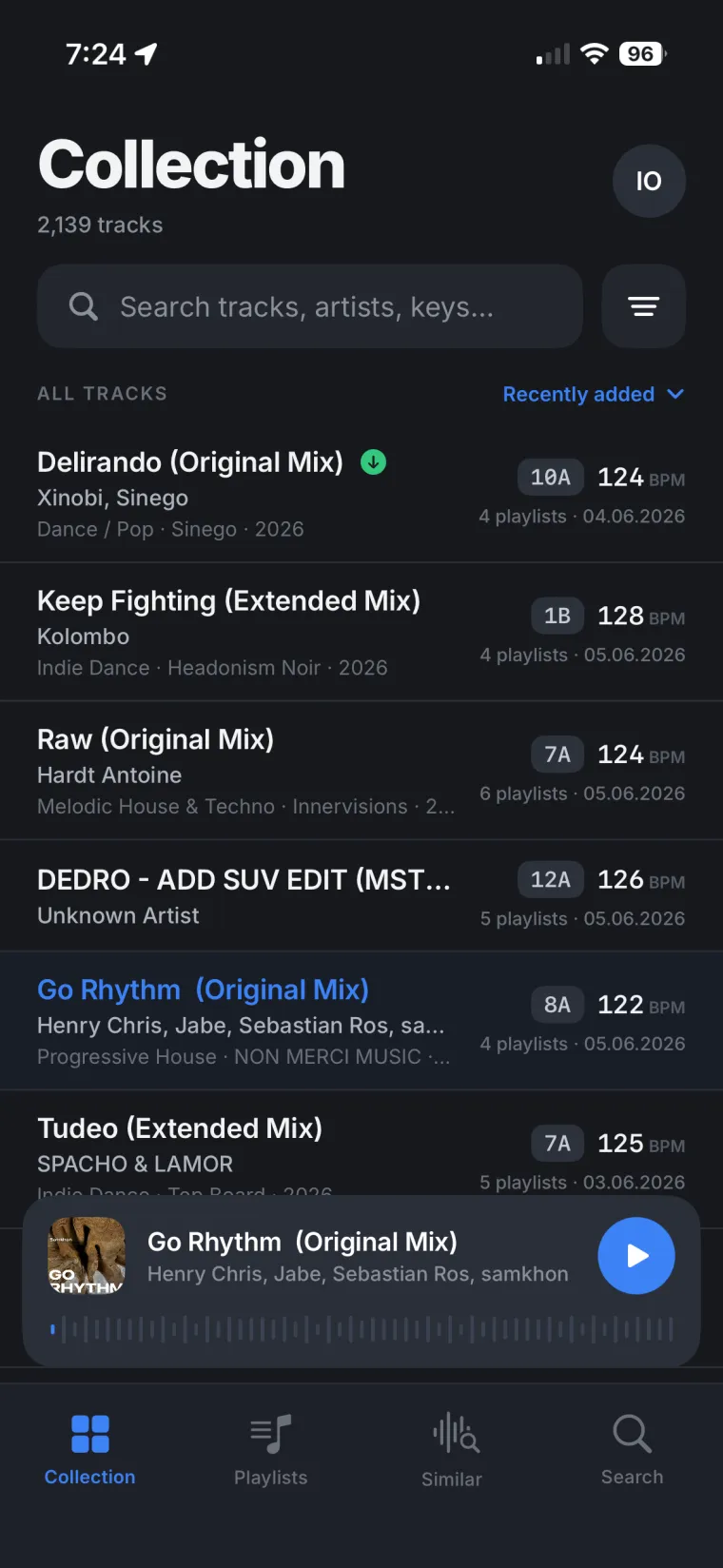
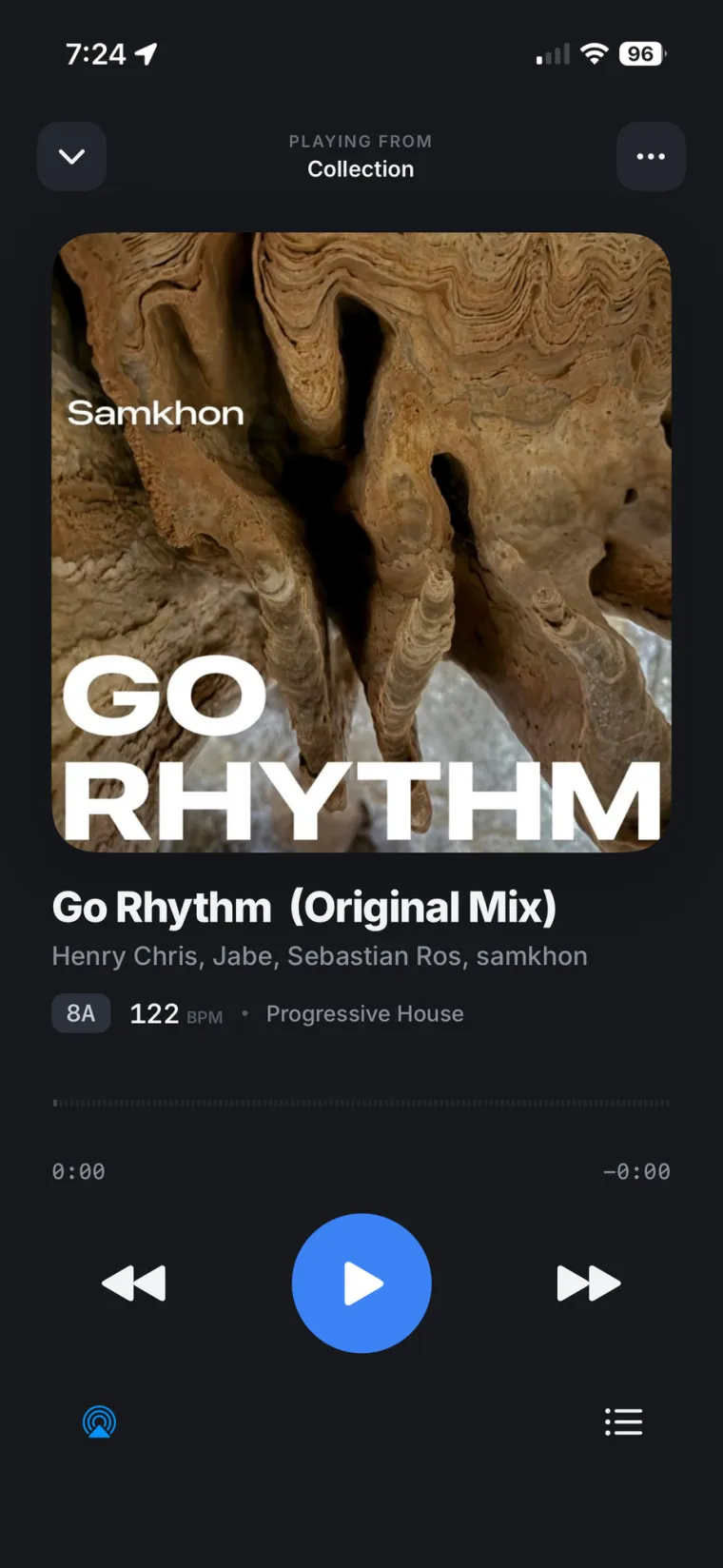
Pulse in Rimeo reads your Rekordbox history. It shows your sets, what is in rotation and what never made a set.
Rekordbox history is the built-in log of what you actually played, in the order you played it. It is not a set list and it does not turn into a playlist on its own, which is where most of the export and "not showing" questions start.
If you just want to know what actually got played without digging through month folders, Pulse reads that same rekordbox history on your phone and turns the raw log into stats instead of a list. More on that below.
What counts as a rekordbox history entry
Rekordbox keeps two kinds of history. Play history inside the software sits under Histories in the tree view, organized by year and then month: "Use [Histories] to check played tracks and track orders. Double-click [Histories] in the tree view. Play histories are displayed in the year and month folders," as the rekordbox instruction manual puts it. Select a play history and it opens as a plain track list.
If you play on DJ players connected by a LAN cable or PRO DJ LINK, rekordbox adds a second kind automatically: "On rekordbox, you can check the play histories of DJ players. A play history by PRO DJ LINK is created in the year's folder as [LINK HISTORY yyyy-mm-dd]," separate from the [HISTORY yyyy-mm-dd] folders logged from the software itself. That is the one most DJs run into after a night on CDJs or XDJs, and it is worth checking both if a set seems to be missing.
How to export rekordbox history to a playlist
Rekordbox does not give a History folder a one-click "save as playlist" button the way it does for an actual playlist. The practical route is to open the history you want, then drag the tracks you care about into a regular playlist, new or existing. If you want that playlist to stay organized afterward, our guide on how to organize your rekordbox library covers folders, My Tag and Intelligent Playlist.
Once the tracks sit in a real playlist, rekordbox can export it to a file. Right-click the playlist, select Export a playlist to a file, then choose Export a playlist to a file (*.txt) for KUVO or Export a playlist to a file for music apps (*.m3u8). Playlist files in M3U, M3U8 and PLS formats can be imported back the same way, so a history-turned-playlist travels reasonably well between rekordbox and other software.
Check what you actually played, from your phone.
Rimeo streams your DJ library, playlists and play counts, from your own computer to your phone or any browser, nothing uploaded. Build a playlist from what you find there and Sync sends it straight into Rekordbox, same name, folder and order.
Why is rekordbox history not showing
A few defaults catch people here, all documented in rekordbox's own support pages:
- Importing is limited to EXPORT mode. If a USB from a CDJ or XDJ is connected while rekordbox is in PERFORMANCE mode, the Import History option in the right-click menu is greyed out. Switch rekordbox to EXPORT mode to pull those histories in.
- Automatic import skips repeats. Even with Import the play history automatically turned on, rekordbox will not re-import a play history with the same name and contents as one it already imported. To get it anyway, open the Histories folder on the device in the Media Browser, right-click the history you want, and choose Import History manually.
- Histories get deleted from the device by default. Rekordbox's default setting removes play histories from a USB storage device once it has imported them. If last week's set is gone, turn off Preferences > Devices > Delete from the device after importing the play history before your next gig.
A quick history checklist before your next gig
- Check Preferences > Devices so histories stay on the USB after import, in case you need to re-check them later.
- Switch to EXPORT mode before pulling a CDJ or XDJ history off a USB.
- If a set is split across HISTORY and LINK HISTORY, check both folders before assuming a track is missing.
- Drag anything worth keeping into a real playlist before it gets buried under the next month's folders.
- If you are rebuilding a set list from scratch, our step-by-step guide to preparing a DJ set covers the rest of the workflow, from track pool to energy mapping.
What your rekordbox history can't tell you
None of this turns history into insight. Rekordbox logs what you played, in order, inside a folder you open month by month. It will not tell you which tracks are carrying your sets, which ones have gone quiet, or which tracks in your DJ library have never been played at all. For that, you are scrolling and counting by hand.
That is the gap Pulse is built for. It takes the play history rekordbox already logged and reads it back to you on your phone: how many days since your last set, which tracks made up half of everything you played this year, and which ones are sitting idle or have never made a set.
Let Pulse read your set history for you.
Pulse, on your phone, glues your Rekordbox play history back into sets and shows what's actually in rotation and what's never made one. Find a replacement for a track that's gone quiet with Similar Tracks, picked from your own DJ library.
Sources
FAQ
Where is rekordbox play history?
Double-click Histories in the tree view. Play histories sit in year and month folders as [HISTORY yyyy-mm-dd]. Sets on DJ players linked by PRO DJ LINK appear in the year folder as [LINK HISTORY yyyy-mm-dd].
What is rekordbox history?
It's the built-in log of tracks you've played, organized into year and month folders under Histories in the tree view. Double-click Histories and select a play history to see the tracks in the order you played them.
How do I export rekordbox history to a playlist?
There's no direct export for a History folder. Drag the tracks you want from a history into a regular playlist, then right-click that playlist and choose Export a playlist to a file to save it as .txt or .m3u8.
Why is my rekordbox history not showing?
Three common causes: a USB is connected while rekordbox is in PERFORMANCE mode (switch to EXPORT mode to import), automatic import skips a history with the same name as one already imported (import it manually instead), or the history was already deleted from the device after import (turn that default off in Preferences > Devices).
What's the difference between HISTORY and LINK HISTORY in rekordbox?
HISTORY folders come from play history logged inside the rekordbox software. LINK HISTORY folders are created automatically when DJ players are connected over a LAN cable or PRO DJ LINK, stored in the year's folder as [LINK HISTORY yyyy-mm-dd].
Can I see my rekordbox play history on my phone?
Rekordbox itself doesn't put a history view on mobile. Pulse, in the Rimeo app, reads that same play history on your phone and turns it into stats: days since your last set, what's in rotation, and what's never been played.