Is My FLAC Real? How to Spot a Fake Lossless File
Is my FLAC real? Check its spectrogram for a hard cutoff, the sign of a lossy file hiding inside a lossless wrapper, plus other quick signs to look for.

Is my FLAC real? The quickest way to find out is to look at its spectrogram. A genuine lossless FLAC keeps sound energy well above 17.5 kHz, often close to 20 to 22 kHz, and fades out softly at the top. A fake one, usually an MP3 or AAC file re-encoded into a FLAC wrapper, shows a hard, flat wall with nothing above it. You can check a file in about a minute with our free fake lossless checker: drop it in, your browser draws the spectrogram and finds where the sound stops, and the file never leaves your computer.

Is your FLAC really lossless?
Check quality in Rimeo shows the spectrum of a track from your DJ library. An upscaled MP3 can't pass as a lossless file.
Why a FLAC file can still be fake
FLAC itself is not the problem. By design, a FLAC decoder hands back audio that is bit-for-bit identical to whatever was fed into the encoder. That is the whole point of a lossless format: nothing is thrown away during compression.
The catch is what happens before the FLAC encoder ever runs. If someone takes an MP3, decodes it, and re-encodes the result as FLAC, the new file is technically lossless from that point on. But the MP3 already threw away the high frequencies and fine detail it never stored in the first place. FLAC cannot add back audio that was never there. The result is a bigger file with the same hole in it, now wearing a lossless label.
If you would rather check files where your DJ library already lives, Check quality in the Rimeo app on your computer reads a track's spectrogram for you, so there is no separate tool to find and learn.
Check a track without leaving your DJ library
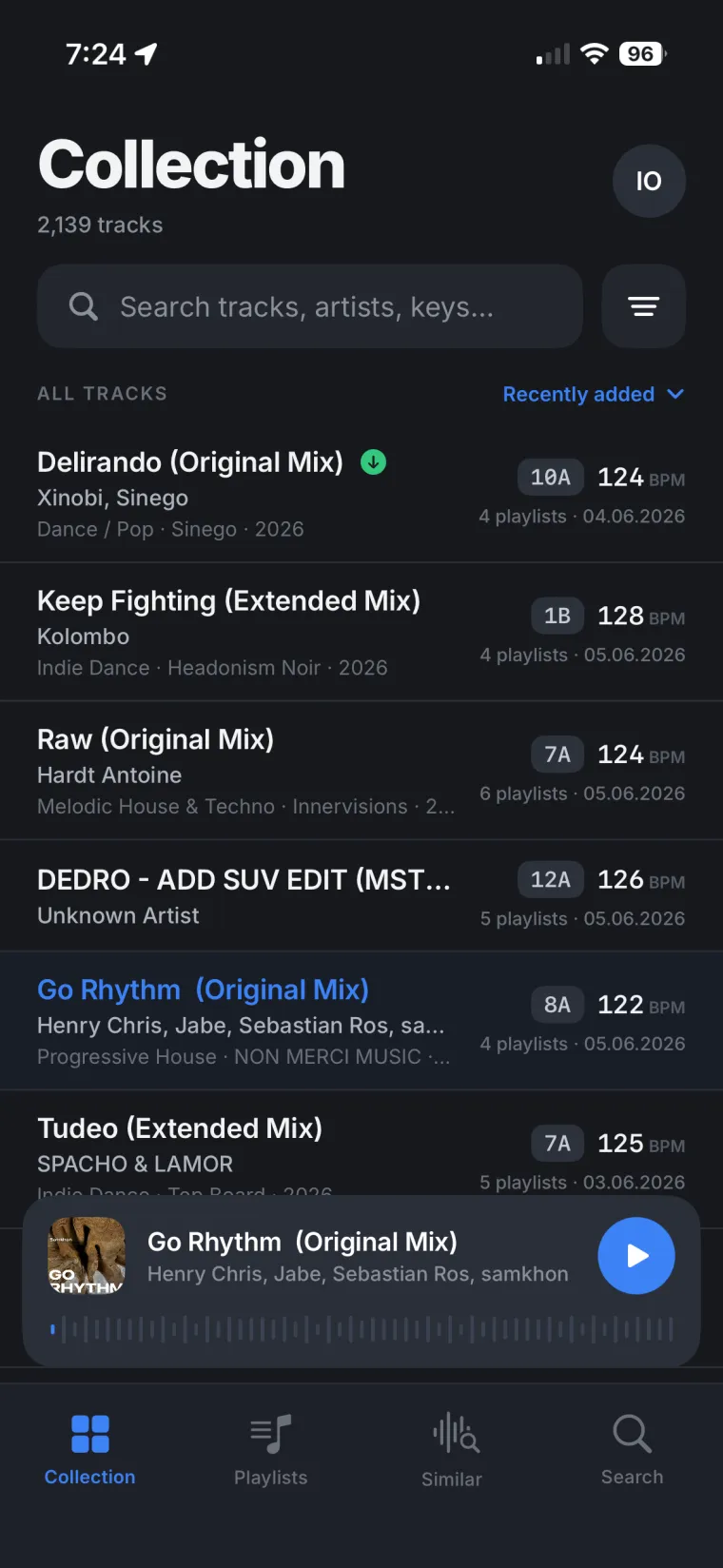
Check quality in the Rimeo app on your computer opens a spectrogram for any file in your DJ library and tells you if it's genuinely lossless. Once a track checks out, download it to the iPhone app to carry it with you and play it offline, even with no signal.
How to tell if your FLAC is real
Open the file in a spectrogram viewer and look at the top of the frequency range. Real, CD-quality lossless audio usually reaches well above 17.5 kHz and fades out unevenly as the music itself fades. A transcoded file shows a straight, flat wall instead, with silence above it. Where that wall sits tells you how much was lost:
- A hard wall below 17.5 kHz usually means the file was made from an MP3 at 128 kbps or lower. That is the clear sign of a fake.
- A wall between 17.5 and 20.5 kHz is where MP3s at 160 to 320 kbps stop, but some real masters are cut there too with a low-pass filter. Treat it as a hint, not proof, and compare it with another copy of the same track if you can.
- A 48 kHz or hi-res FLAC that is empty above 22 kHz was most likely made from 44.1 kHz audio. On a spectrogram it looks like a fake, but nothing was lost compared with the CD-quality source.
Our fake lossless checker reads the whole track this way and tells you where the wall is. If you want a step-by-step walkthrough with free desktop tools such as Spek and Audacity, our guide on how to spot a fake WAV or upscaled MP3 covers that in more detail. The same spectrogram logic applies to FLAC.
Other signs, and what they can't prove
A spectrogram is the most reliable check. A few other details can make you look closer, but none of them proves anything on its own:
- Where it came from. Files pulled from random download sites or shared folders are far more likely to be fakes than files ripped from your own CDs or bought from a proper store.
- Bitrate. A FLAC with a low average bitrate for its sample rate is worth a closer look, because audio with less top end tends to compress better. Quiet or simple tracks also compress well, so this is only a hint.
- File size. Size won't catch a fake. A FLAC made from an MP3 is usually two or three times bigger than that MP3, so it looks like any other lossless file.
- The FLAC integrity test. Every FLAC stores an MD5 signature of the audio that went into the encoder, and FLAC tools can test a file against it. A pass means the file isn't damaged. A fake made from an MP3 passes too, because the test only compares the file with its own input.
What a fake FLAC costs your DJ library
None of this matters much on a laptop speaker or a pair of earbuds. The gap shows up later: on a bigger sound system, when you EQ a track, or when you line it up next to a track that is genuinely lossless and the difference in the top end becomes obvious. By then it is too late to fix in the middle of a set.
It also quietly costs storage. A fake lossless file is often two or three times the size of the MP3 it came from, for audio that is no better than the original. If your DJ library has grown over years of downloads, trades and old hard drives, there is a good chance a few fakes are sitting in there without you knowing.
Quick checklist before you trust a FLAC
- Check the spectrogram for a hard, flat wall. A wall below 17.5 kHz is the clear sign of a fake.
- Don't trust file size, bitrate or a passed integrity test on their own.
- Be more suspicious of files from random downloads than files from your own rips or a proper store.
- When in doubt, replace it with a file from a source you trust instead of guessing.
A DJ library built up over years is hard to fully trust if you have never checked it. One pass through it shows which files are genuine and which ones are worth buying again from a store you trust.
Know what's really in your DJ library
Check quality in the Rimeo app on your computer shows a file's spectrogram and tells you if it is genuinely lossless, right where the rest of your DJ library lives. Once a track checks out, Similar Tracks can help you find more like it in your own DJ library.
Sources
FAQ
What does a fake FLAC look like on a spectrogram?
A fake FLAC shows a hard, flat wall with no energy above it. A wall below about 17.5 kHz is the clear sign of a file made from a low-bitrate MP3. A wall between 17.5 and 20.5 kHz can be a high-bitrate MP3, but some real masters are cut there too, so treat it as a hint.
Can a fake FLAC be fixed?
No. FLAC only guarantees a bit-for-bit copy of whatever went into the encoder. If a lossy MP3 was the real source, re-encoding it as FLAC cannot bring back the frequencies the MP3 already threw away.
Does a low bitrate mean my FLAC is fake?
A low bitrate for a file labelled lossless is a warning sign, but it is not proof on its own. A spectrogram is the more reliable check, since it shows exactly where the frequency content stops.
Does a passed FLAC integrity test mean the file is real?
No. The test checks the file against the MD5 signature of the audio that went into the encoder. A fake made from an MP3 passes too, because that MP3 audio is exactly what went in.
Is 24-bit FLAC always genuine?
No. Bit depth describes the container, not the source. A lossy file converted into a 24-bit FLAC is still missing the same frequencies, just inside a bigger file.
Will a fake FLAC sound noticeably worse when I play it?
It depends on the system. A fake lossless file can sound fine through earbuds or small speakers and still lose detail on a bigger sound system, where the missing top end becomes easier to hear.