Rekordbox Related Tracks: What It Is and Why It Shows Nothing
Rekordbox Related Tracks is now Track Suggestion. See how it works, why the list is empty, and how to get similar tracks on your phone.

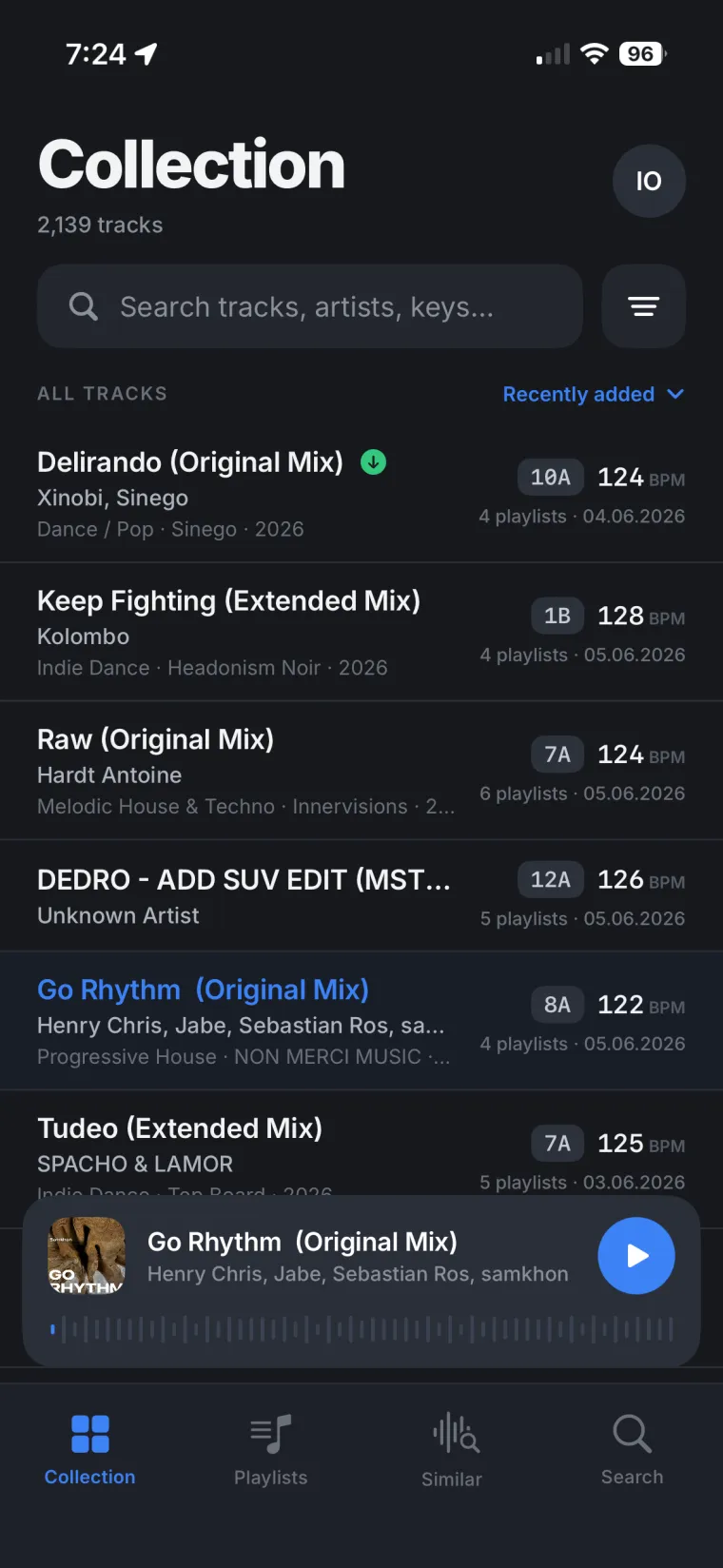
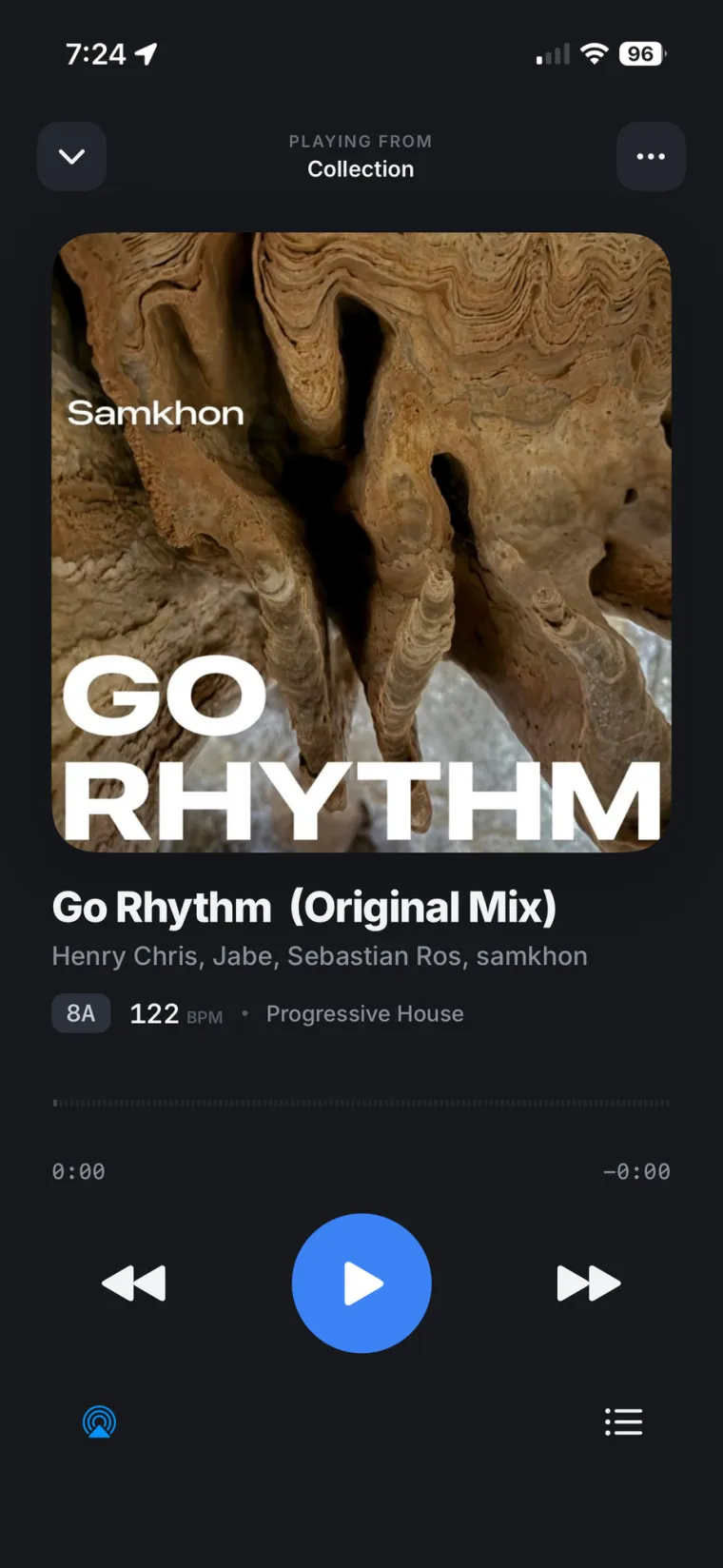
Rekordbox Related Tracks is a list of tracks that fit the one you have loaded. In Rekordbox 7 the feature is called Track Suggestion. It has five modes, and the list stays empty when a mode has nothing to work with, most often because the tracks have no analysis data.

Looking for what goes with a track?
Similar Tracks in Rimeo picks matches from your own DJ library, right on your phone.
This guide covers what each mode looks at, the usual reasons for an empty list, and a way to find similar tracks from your own DJ library when you are away from the laptop.
What is Rekordbox Related Tracks?
In the Rekordbox 7 FAQ, Track Suggestion is described as a recommendation function that shows recommended tracks as a list, based on the track you loaded and the tracks in your list. You open it from the sub-panel button in Tree View or on the right side of the browse screen.
The name Related Tracks still shows up in the same FAQ, in the list of features where Spotify tracks cannot be used. So when people search for Rekordbox related tracks or Rekordbox similar tracks, Track Suggestion is the panel they want.
How does Track Suggestion pick tracks?
You can choose up to five recommendation types. Rekordbox describes them like this:
- Era prioritizes tracks from your Collection with a similar year, BPM and so on.
- Mood prioritizes tracks with a similar genre, BPM and so on.
- Association prioritizes tracks with similar label, composer and similar information.
- Collection Radar prioritizes tracks from your Collection with similar musical characteristics.
- Streaming Radar does the same with tracks from the streaming service.
Era, Mood and Association work from track information (metadata). The two Radar modes use an AI-learned approach to match musical characteristics. That matters for your DJ library: the first three are only as good as your tags.
Why is Rekordbox Related Tracks not working?
The FAQ names several causes. Check them in this order.
- Radar Analysis is off. If Collection Radar or Streaming Radar is missing from Track Suggestion, turn on Radar Analysis under Preferences, Analysis, Track Analysis.
- The tracks have no recommendation data. Radar needs analysis data that is created when tracks are imported, loaded or reanalyzed. A track without it is not recommended and cannot be the base track. Rekordbox marks these tracks with a ?☆ icon in the track list.
- Too few analyzed tracks, or conditions that are too narrow. Both can leave the list empty.
- The track is from Spotify. Rekordbox lists Related Tracks, Track Suggestion and Streaming Radar among the features you cannot use with Spotify.
- Streaming Radar shows an API call limit message. The server is busy. Wait a while and try again.
How do I fix missing analysis data?
Right-click the track and choose Add New Analysis Data. To cover your whole DJ library, select all tracks in Collection and use the same menu item. Rekordbox says you do not need to reanalyze the beat grid for this.
Can you get related tracks outside the Rekordbox window?
Track Suggestion lives inside Rekordbox on your computer. That is fine at the desk. It is less useful when you are on the sofa with your phone and want to know what goes with the track in your headphones.
This is where a phone-first tool helps. Rimeo streams your DJ library from your own computer to your phone and any browser, with nothing uploaded. Long-press a track, choose Similar Tracks, and the track you picked stays on top with the matches counted underneath.
Find what goes with a track, from your phone.
Rimeo lists Similar Tracks from your own DJ library for any track you long-press on your phone. In the browser player the same list has a Match Key switch, on by default, that you can turn off to widen the net.
How is this different from Rekordbox Track Suggestion?
Both give you a list of tracks that fit a seed track. The differences are where you use them and what feeds them.
- Where. Track Suggestion is a panel in Rekordbox. Rimeo Similar Tracks is on your phone and in the browser, and the picks are worked out by the Rimeo app on your computer, so that computer needs to be on.
- Your DJ library only. Rimeo picks come from your own DJ library. Nothing is pulled from a streaming catalog.
- Honest results. If the best answer is two more mixes of the same record, you get them.
- Next step. You can play the whole list as a queue, add matches to a playlist, or download them.
Rimeo does not replace Track Suggestion. It answers the question when Rekordbox is not open in front of you. If you want more ways to dig, see how to find new music as a DJ. If your results look odd because tags are messy, how to organize your Rekordbox library covers My Tag and Intelligent Playlists, and duplicate tracks can crowd a list with the same record twice.
A quick checklist before you trust the list
- Turn on Radar Analysis in Preferences.
- Look for the ?☆ icon and add analysis data to those tracks.
- Fix missing genre, label and year tags, because Era, Mood and Association use them.
- Pick up to five modes, not just one.
- Use a local track as the base, not a Spotify one.
Turn a seed track into a playlist
The related list is only useful if the tracks end up in a set. Doing that at your desk means opening Rekordbox, dragging tracks, and hoping you remember the idea you had on the train.
On your phone, you can start from one track, add the best matches to a playlist, and let Recommended suggest more picks right under the tracks. Then Sync to Rekordbox writes the playlist into Rekordbox, ready for your usual export.
Build the playlist while the idea is fresh.
Rimeo lets you start a playlist from one track on your phone, with Recommended picks from your own DJ library under it. Sync to Rekordbox then writes that playlist into Rekordbox from your iPhone or phone browser.
FAQ
What is Related Tracks in Rekordbox?
In Rekordbox 7 the recommendation panel is called Track Suggestion. It shows recommended tracks based on the track you loaded and the tracks in your list, using up to five modes: Era, Mood, Association, Collection Radar and Streaming Radar.
How do I show related tracks in Rekordbox?
Open the sub-panel button in Tree View or on the right side of the browse screen, then choose up to five recommendation types.
Why are Rekordbox related tracks not showing?
Common causes are Radar Analysis turned off in Preferences, tracks without recommendation analysis data (marked with a ?star icon), too few analyzed tracks, narrow conditions, or Spotify tracks, which cannot use these features.
How do I add analysis data to my tracks in Rekordbox?
Right-click a track and choose Add New Analysis Data. To do it for the whole DJ library, select all tracks in Collection first. You do not need to reanalyze the beat grid.
Can I find similar tracks on my phone?
Yes, with Rimeo. Long-press a track in your DJ library on your phone or use the track menu in the browser, and choose Similar Tracks. Your computer with the Rimeo app needs to be on.