Rekordbox Cloud Direct Play: What It Is and What You Need
Rekordbox Cloud Direct Play (CloudDirectPlay) lets CDJs play tracks straight from Dropbox. Here's what it needs, what it costs in effort, and its limits.

Rekordbox Cloud Direct Play, officially called CloudDirectPlay, lets you play tracks straight from cloud storage on supported DJ gear like the CDJ-3000, without exporting anything to a USB drive first. It needs a Creative plan, a Professional plan, or the Cloud Option add-on, plus a Dropbox account connected through Cloud Library Sync.
What Rekordbox Cloud Direct Play Actually Does
CloudDirectPlay lets you browse your rekordbox cloud library and play any track live, directly on compatible gear, without downloading files to a computer first. Pioneer DJ's original announcement describes it as a way to perform straight from the cloud while keeping the same Hot Cues and Memory Cues you'd have on a local file. Rekordbox's support FAQ lists CDJ-3000, OPUS-QUAD and OMNIS-DUO as compatible units today. The feature launched with the CDJ-3000 alone in 2021 and rekordbox has added more compatible DJ equipment since.
To use it, you connect the DJ unit to the internet, export an authentication key from rekordbox onto a USB drive, then plug that drive into the unit once to log in. After that, the unit can browse and play tracks from the cloud on its own, and any metadata edits made on the unit sync back to the cloud automatically.
What You Need Before You Turn It On
Based on the official CloudDirectPlay FAQ, here's the checklist:
- A Creative or Professional plan, or the Cloud Option add-on. Free and Core plan accounts can only add up to 10 tracks to a trial playlist, not a full library.
- Cloud Library Sync turned on in rekordbox for Mac or Windows.
- A Dropbox account, logged in. CloudDirectPlay currently only supports Dropbox, not Google Drive.
- Your tracks actually uploaded to that Dropbox storage. The Browse screen on the DJ unit only shows files you've already uploaded, not everything in your local rekordbox library.
- A stable internet connection at the booth, for the whole set.
That upload step is the part people miss. CloudDirectPlay doesn't read your computer's drive. It reads whatever copy of your DJ library you've already pushed into Dropbox, which is a separate action from just owning the files. For the full picture of what Cloud Library Sync uploads and what it costs, see our guide to rekordbox Dropbox sync.
Skip the upload and stream from your own computer instead
Rimeo reads your real Rekordbox library straight off your own computer and streams it to your phone or any browser, at home over Wi-Fi or on the road. Nothing gets copied into a separate cloud storage account first.
Where Cloud Direct Play Stops
CloudDirectPlay is built for performing from compatible hardware, not for browsing your DJ library on a phone or laptop. A few limits worth knowing before you plan a gig around it:
- It needs internet the entire time you're playing. If the venue's connection drops or Dropbox has an outage, playback from the cloud stops working.
- Only Dropbox is supported today, so a Google Drive or iCloud setup won't work with it.
- It only works on the specific DJ units it supports. It isn't something you use from a phone or a laptop browser.
- It shows tracks you've uploaded to Dropbox, which means your Dropbox copy and your local rekordbox library can quietly drift out of sync if you forget to upload something new.
What It Means for Your DJ Library
CloudDirectPlay solves one specific problem: not carrying a USB drive to the booth. It doesn't solve the bigger one, which is that your real DJ library, the one with your actual play history, your folders and your tags, still lives on one computer at home. To get any of it onto the cloud, you upload it, and you keep paying for a plan tier or the Cloud Option to keep it there. We compared this trade-off in more detail in rekordbox Cloud Library Sync vs. Rimeo.
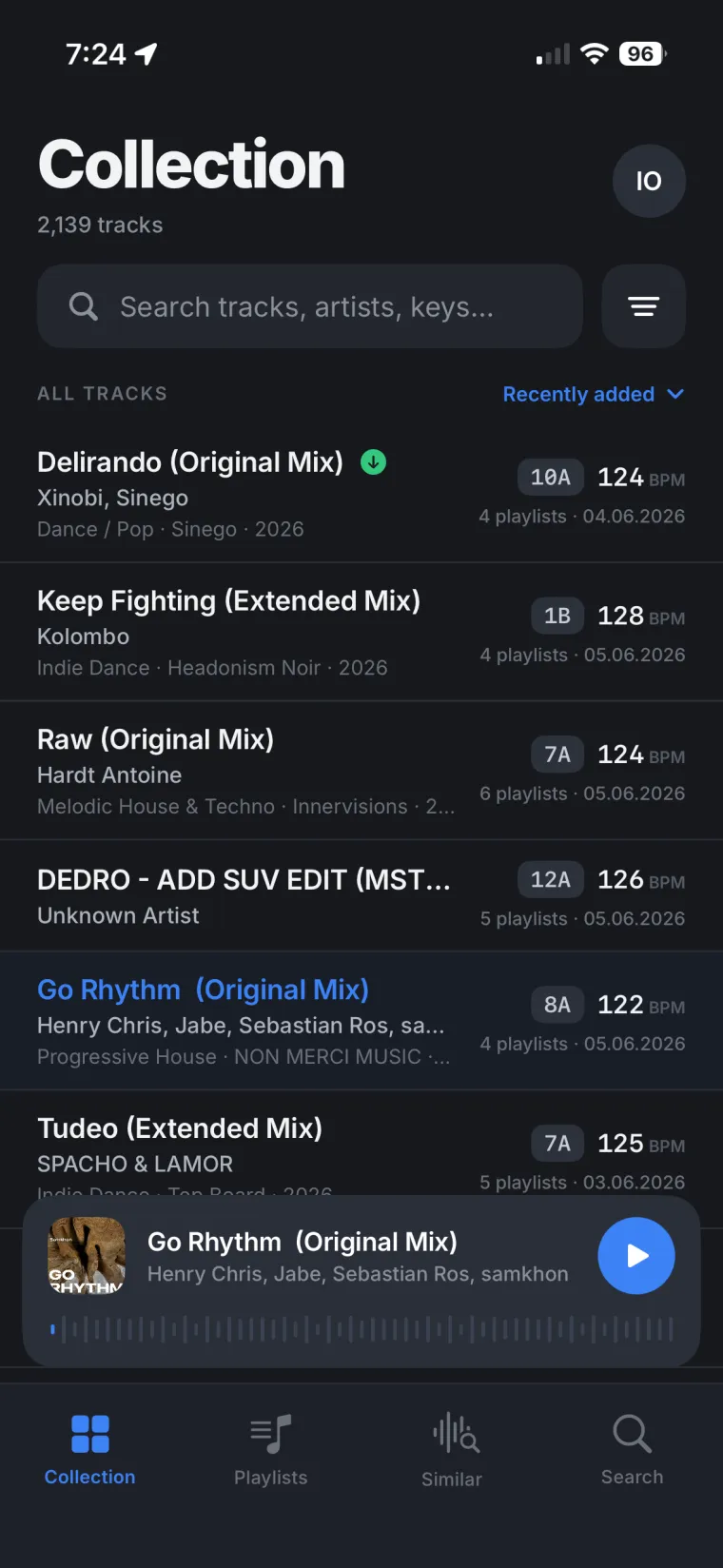
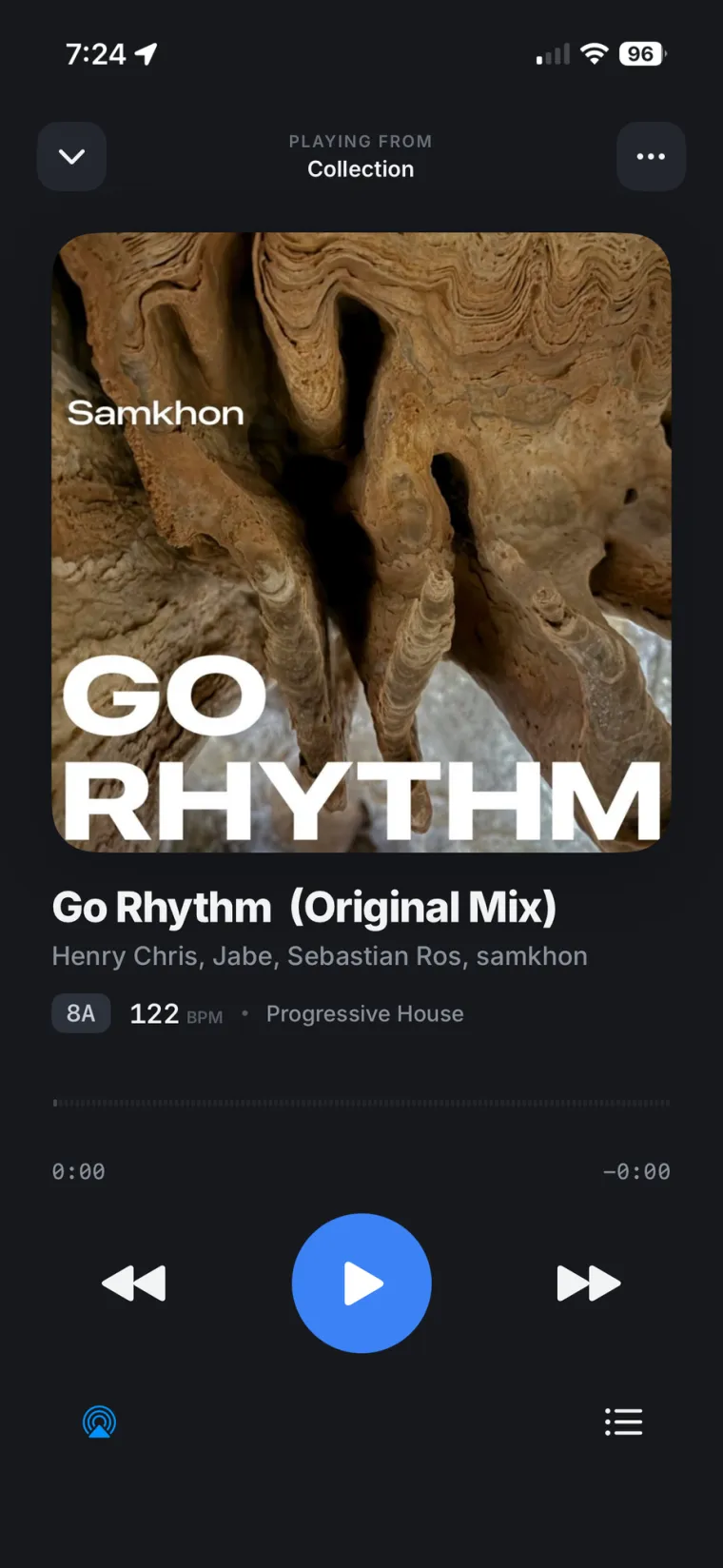
If what you actually want is to check your DJ library, build a playlist, or just listen to your own tracks from your phone or a browser, none of that needs a Dropbox upload or a cloud storage plan. It just needs a way to reach the computer your library already lives on.
Keeping One Library Instead of Two
Uploading your DJ library to Dropbox so a CDJ can read it creates a second copy you now have to maintain. Add a new track at home and it won't show up at the booth until you upload it again. Rimeo works the other way: it streams your library from your own computer, so there's only ever one copy, and it stays current because it is the current one.
Build your next playlist without touching Dropbox
With Rimeo, you can put together a playlist on your phone and have it land in Rekordbox itself through Sync, same name, same folder. Similar Tracks helps you find the next song from music you already own in your library, not from a cloud catalog you uploaded.
Sources
FAQ
What is rekordbox CloudDirectPlay?
It's a rekordbox feature that lets compatible DJ equipment play tracks directly from your cloud storage over the internet, without exporting them to a USB drive first.
Which DJ equipment supports rekordbox CloudDirectPlay?
Rekordbox's support FAQ lists CDJ-3000, OPUS-QUAD and OMNIS-DUO as compatible. It launched with the CDJ-3000 alone in 2021 and the list of supported DJ equipment has grown since.
Does rekordbox CloudDirectPlay work with Google Drive?
No. CloudDirectPlay currently only supports Dropbox as cloud storage, not Google Drive or iCloud.
What rekordbox plan do I need for CloudDirectPlay?
You need a Creative plan, a Professional plan, or the Cloud Option add-on. Free and Core plan accounts are limited to a 10-track trial playlist.
Does rekordbox CloudDirectPlay work offline?
No. It needs an active internet connection for the whole set. If the connection or Dropbox goes down, playback from the cloud stops.