Rekordbox Dropbox Sync: What It Uploads and What It Costs
Rekordbox Dropbox sync (Cloud Library Sync) uploads your tracks to Dropbox or Google Drive. Here's what syncs, what doesn't, and what it costs.

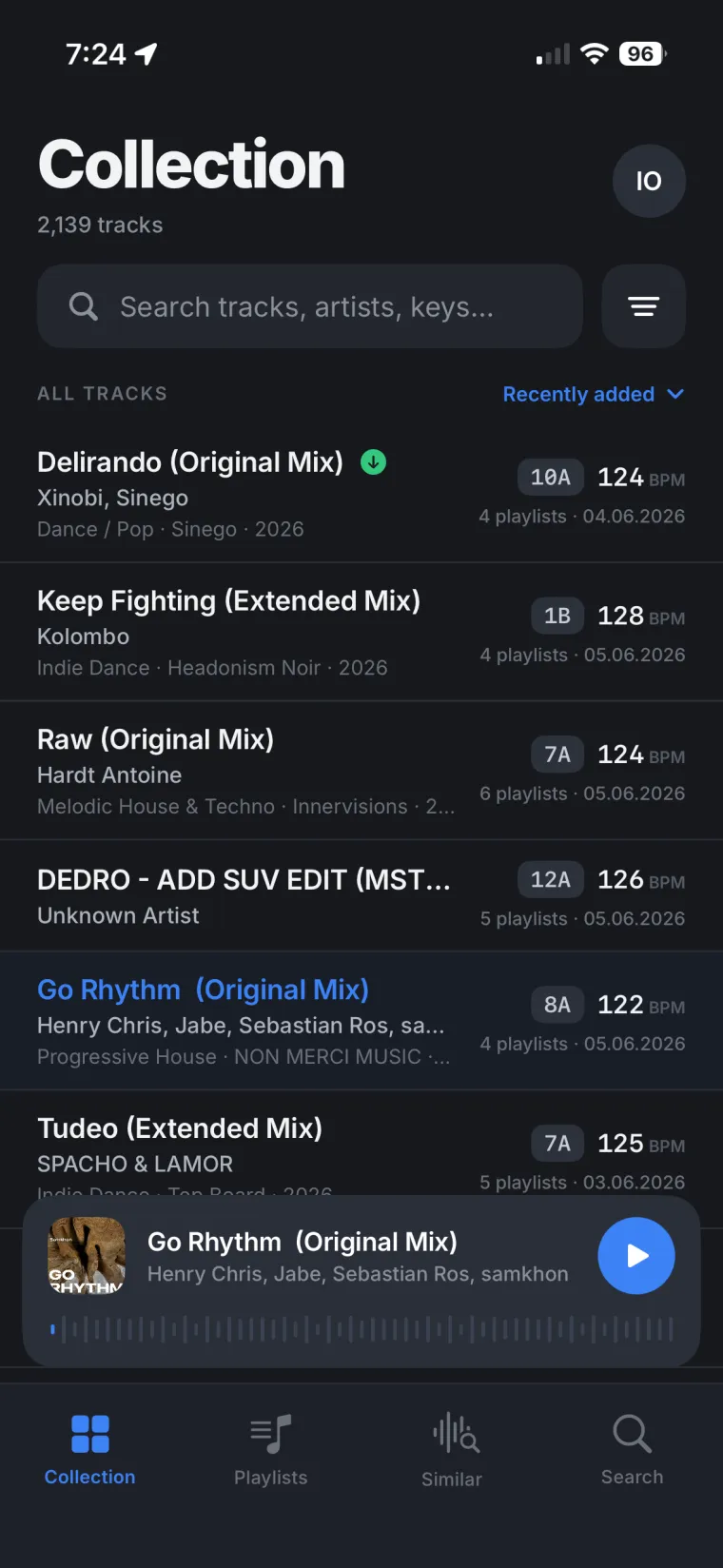
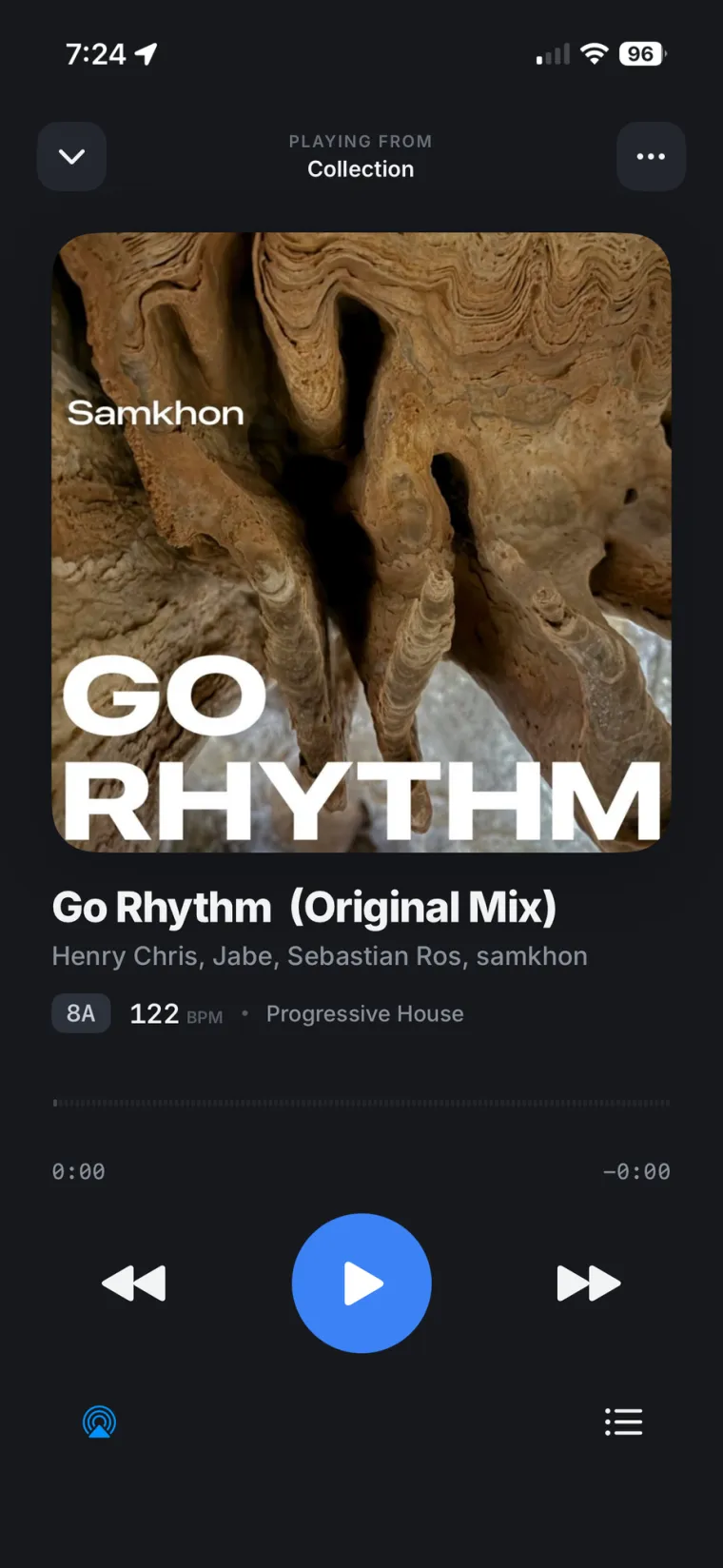
Yes, rekordbox syncs with Dropbox, and with Google Drive too. The feature is called Cloud Library Sync, and it works by uploading your actual track files to whichever cloud storage account you connect, then downloading them again on your other computers and phones. It is not a light metadata sync. If you turn it on, real audio files leave your computer.
What rekordbox Cloud Library Sync actually does
Cloud Library Sync links your rekordbox account to a Dropbox or Google Drive account. Once it's on, tracks you add get uploaded to that cloud storage, and the same tracks become available for download on every other computer or phone signed into the same rekordbox account. According to AlphaTheta's own Cloud Library Sync feature page, you upload once from one device and reach the same tracks from any other one signed into the same account.
To turn it on for Mac or Windows, you open rekordbox's My Page, go to the Library Sync tab, and sign in to Dropbox or Google Drive from there. Mobile devices on iOS or Android connect the same way, using the same AlphaTheta account. The official Cloud Library Sync Operation Guide walks through every step, and it is worth reading before you upload anything, because a few choices along the way are easy to get wrong.
Rekordbox Dropbox sync: what gets uploaded and what doesn't
When you upload a track, rekordbox asks you to pick Move or Copy. Move relocates the file into your Dropbox folder, which the operation guide warns can stop you from using that same file in other applications. Copy duplicates it there instead, so the original stays where it was. If you are not sure which to pick, Copy is the safer default.
Not everything in your rekordbox collection travels with the tracks. The operation guide lists what Cloud Library Sync leaves behind: histories, hot cue bank lists, the tag list, matching data, the sampler list, related tracks, and My Tag. So the files move, but a chunk of the work you've put into organizing them does not.
There's also a plan limit that catches people out. On the Free or Core plan, Cloud Library Sync only works for tracks you drop into a special playlist called 'Trial playlist - Cloud Library Sync,' and that playlist caps out at ten tracks, per the rekordbox Library Sync FAQ. Creative and Professional plans remove that cap and sync your whole collection.
Does rekordbox sync with Google Drive too?
Google Drive support arrived later than Dropbox. AlphaTheta's announcement for rekordbox 6.7.4 confirms Cloud Library Sync now works with either service, and you can switch which one is your default. Google Drive only supports the 'synchronize selected music files only' method, though. The 'synchronize all music files' option, which mirrors your whole local folder automatically through a desktop app, is Dropbox-only. If you want a hands-off full mirror, Dropbox is the one that does it.
What rekordbox Cloud Library Sync costs
Full Cloud Library Sync, without the ten-track trial cap, needs at least a Core plan, and the cloud storage itself counts against your Dropbox or Google Drive storage plan separately. If your upload is bigger than your storage plan's capacity, it simply stops partway through. We've broken down the current plans and prices in more detail in rekordbox Cloud Library Sync vs. Rimeo, since the two solve different problems and get compared a lot.
Stop budgeting storage for tracks you already own
Pulse reads back your own set history and shows which tracks actually make your rotation, so you know what's worth having close at hand. Downloads on iPhone are one tap per track or per playlist, straight off your own computer, for the nights you want no signal at all to matter.
What it means for your DJ library
Uploading your tracks to Dropbox or Google Drive solves one problem and creates a few more. You're paying for storage on top of your rekordbox plan. Your collection now exists in three places at once: your computer, the cloud folder, and whatever got pulled down to your phone, and nothing guarantees those three stay in step if you edit on one device and forget to sync another. And the parts of your work that make a DJ library actually useful, like hot cues and histories, stay behind no matter what you do.
Rimeo skips the upload step entirely. It streams your real Rekordbox library, the same playlists, folders, BPM and key you already have, straight from your own computer to your phone and browser, over your home Wi-Fi or a remote connection. Nothing moves to Dropbox, nothing moves to Google Drive, and there's no storage plan to size up front.
Before you turn Cloud Library Sync on
- Check your Dropbox or Google Drive storage plan first. Cloud Library Sync uploads stop cold once you hit the cap.
- Pick Copy, not Move, in the upload dialog if you want the original file to stay put in its current folder too.
- Know what won't travel: histories, hot cue bank lists, the tag list, matching data, the sampler list, related tracks and My Tag all stay local to each computer.
- On Google Drive, you're locked into the selected-files-only method. A full automatic mirror needs Dropbox and its desktop app.
- On Free or Core, only ten tracks in the trial playlist actually sync. Everything else needs Creative or Professional.
One DJ library, not three copies of it
The honest reason to think twice about Cloud Library Sync isn't that it's broken. It works the way AlphaTheta documents it. The real question is whether you want a second, paid copy of your collection sitting in Dropbox or Google Drive, drifting slightly from the one on your computer, just so your phone can see it. If what you actually want is to reach the DJ library that already lives on your computer, without uploading it anywhere first, that's a narrower and simpler problem.
Build the playlist on your phone, not in the cloud
Put a playlist together in Rimeo on the couch and run Sync to Rekordbox: it lands in your real Rekordbox library with the same name, folder and order, ready the next time you open your laptop. Similar Tracks pulls its suggestions from your own DJ library, not someone else's catalog.
Sources
FAQ
Does rekordbox sync with Dropbox?
Yes. Cloud Library Sync uploads your tracks to a Dropbox account you connect, and downloads them again on your other rekordbox computers and mobile devices signed into the same account.
Does rekordbox sync with Google Drive?
Yes, since rekordbox 6.7.4 for Mac/Windows. Google Drive only supports the synchronize-selected-files method, not the fully automatic mirror that Dropbox offers through its desktop app.
How many tracks can I sync for free in rekordbox?
On the Free and Core plans, Cloud Library Sync only works for tracks added to a special Trial playlist, capped at ten tracks. Creative and Professional plans sync your whole collection.
Does rekordbox Cloud Library Sync upload my actual music files, or just playlists?
It uploads the real audio files, not just playlist data. Histories, hot cue bank lists, the tag list, matching data, the sampler list, related tracks and My Tag do not sync.
What happens if I choose Move instead of Copy when uploading to Dropbox?
Move relocates the file into your Dropbox folder, and rekordbox's own guide warns you may no longer be able to use that file in other applications. Copy keeps the original file where it was and uploads a duplicate.