How Do DJs Remove Vocals From Songs? EQ, Filters and Stems
How DJs remove vocals from a song: why EQ and filters only make them quieter, which DJ software splits stems live, and how to prepare instrumentals for a gig.

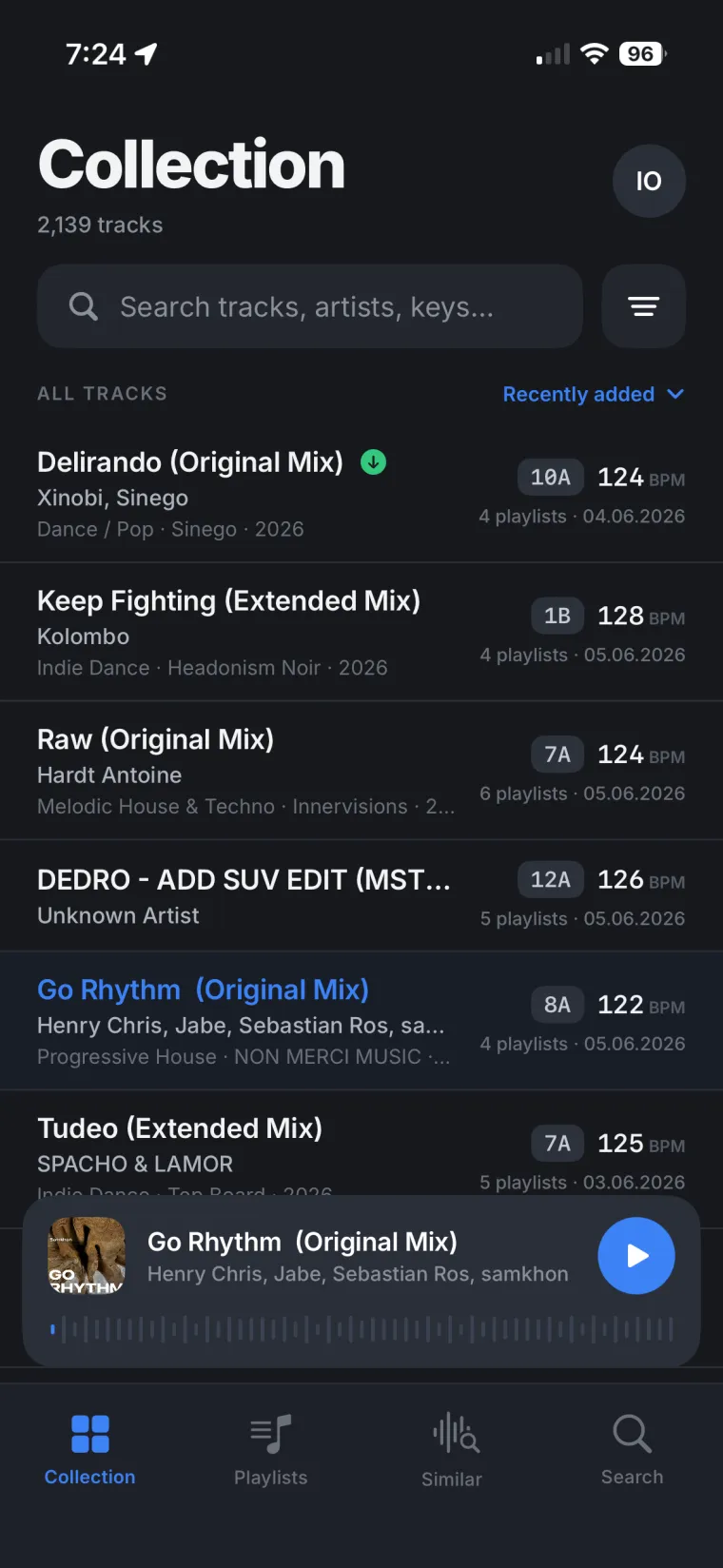
DJs remove vocals from songs in two ways. The old way is EQ and filters: you turn down the mids and highs, and the vocal gets quieter, but the keys, pads and hats go with it. The modern way is stem separation: software splits the finished track into parts such as vocals, drums, bass and the rest, so you mute only the vocal and keep everything else. Most DJ software can now do this live, and you can also prepare instrumentals as files before the gig.

Need a track without the vocal?
Rimeo on your computer splits a track from your DJ library into the vocal and the rest. You get WAV files in Rekordbox.
Why EQ and filters do not really remove a vocal
A vocal shares its frequencies with keys, guitars, pads and snares. When you cut the mid EQ on your mixer, all of them go down together. The track sounds thinner, and the vocal is still there, just quieter. A high-pass or low-pass filter works the same way: it takes out a whole band of the sound, not one instrument.
EQ is still useful. Cutting the mids on the outgoing track while a new vocal comes in keeps two singers from fighting. It just leaves you with less of the track, not an instrumental.
Audio editors also have an old "vocal remover" trick. It cancels whatever sits in the exact centre of the stereo mix, where the lead vocal usually is. The kick and the bass sit in the centre too, so on club tracks they disappear with the vocal.
How stem separation removes the vocal
Stem separation software listens to the whole track and rebuilds it as separate parts. You get the vocal on its own and the music without it, or more parts: drums, bass and the rest. Mute the vocal stem and you have an instrumental. Solo it and you have an acapella. If you would rather start from an official one, here is where DJs get acapellas. The result is not a studio multitrack, so a dense mix can leave a little bleed, but on most club tracks the vocal comes out clean enough to play.
If the track is already in your own DJ library, you can do this once on your computer and keep the result. Stems in the Rimeo app splits a track into vocals, drums, bass and the rest, exports 24-bit WAV files and adds them to Rekordbox, so the instrumental sits in your DJ library next to the original.
Make the instrumental before the gig
Stems in the Rimeo app on your computer takes the vocal out of any track in your DJ library and exports the parts as 24-bit WAV, straight into Rekordbox. Check quality first: a split from a fake lossless file sounds as bad as its source.
Which DJ software can remove vocals live
Most current DJ software separates stems in real time, so you can drop the vocal while the track plays:
- Rekordbox: STEMS splits a track into vocal, instrumental and drums, with a 4-stem mode that adds bass. It is ticked on every plan, Free included, needs 16 GB of RAM, and does not work on Apple Music and Spotify tracks. Details in our guide to Rekordbox stems.
- Serato DJ Pro: Serato Stems isolates vocals, melody, bass and drums, on the fly or prepared in advance.
- VirtualDJ: Stems 2.0 separates vocals, instruments, kicks and hi-hats in real time. Full quality needs an Nvidia GTX 1050 or newer graphics card, or an Apple M1 or newer Mac.
- djay Pro: Neural Mix separates vocals and instruments in real time. The quality level depends on the device, with the highest on Apple Silicon Macs.
- Traktor Pro 4: stem separation built on iZotope technology works on tracks in your Track Collection.
Live stems ask a lot of your computer: Rekordbox lists 16 GB of RAM, and VirtualDJ a dedicated graphics card for full quality. If you play from a USB stick on club players, it is simpler to prepare the instrumental as a file. It then plays like any other track.
EQ, live stems or files: which to use
- A quick blend between two vocals: cut the mids on the outgoing track with EQ.
- Mashups you make up on the spot: live stems in your DJ software, on a computer that meets its requirements.
- A planned instrumental or acapella for a club set from USB: split the track before the gig and keep the files.
How to prepare an instrumental before a gig
- Pick the tracks you want to play without the vocal, or whose vocal you want over something else.
- Split each one with stem separation software and listen to the result on headphones from start to end. Bleed shows up most in breakdowns.
- Export the instrumental and the vocal as separate WAV files, so nothing is lost to compression.
- Add them to your DJ library with clear names, for example "Track name (Instrumental)". Rekordbox analyses them like any other track, and key and BPM match the original.
- Set the beatgrid and cue points, then export to USB as usual.
Playing someone else's vocal over your own track raises the rights question. Our guide on where to find acapellas for DJing covers the rule of thumb most DJs follow.
Your instrumentals are already in your DJ library
Most instrumentals DJs go looking for are hidden inside tracks they already own. Split them once on your own computer, and the parts stay in your DJ library for this set and every set after it.
Keep every instrumental in your DJ library
Stems in the Rimeo app splits a track on your own computer, and the files never leave it. Build the set around the new parts on your phone, and Sync writes the playlist into Rekordbox.
FAQ
Can you remove vocals from any song?
You can split almost any song into a vocal and an instrumental with stem separation. The cleaner the original mix, the cleaner the result. Dense mixes leave a little bleed.
Do DJs remove vocals live?
Many do, with real-time stems in Rekordbox, Serato DJ Pro, VirtualDJ, djay Pro or Traktor Pro 4. Others prepare instrumentals as files before the gig, so they play on any player.
Is EQ enough to remove a vocal?
No. EQ lowers a whole band of frequencies, so the vocal gets quieter together with the instruments around it.
What format should I export an instrumental in?
WAV, so nothing is lost to compression. Stems in the Rimeo app exports 24-bit WAV and can add the files straight to Rekordbox.